
Your clinic operations, fully digitized and integrated
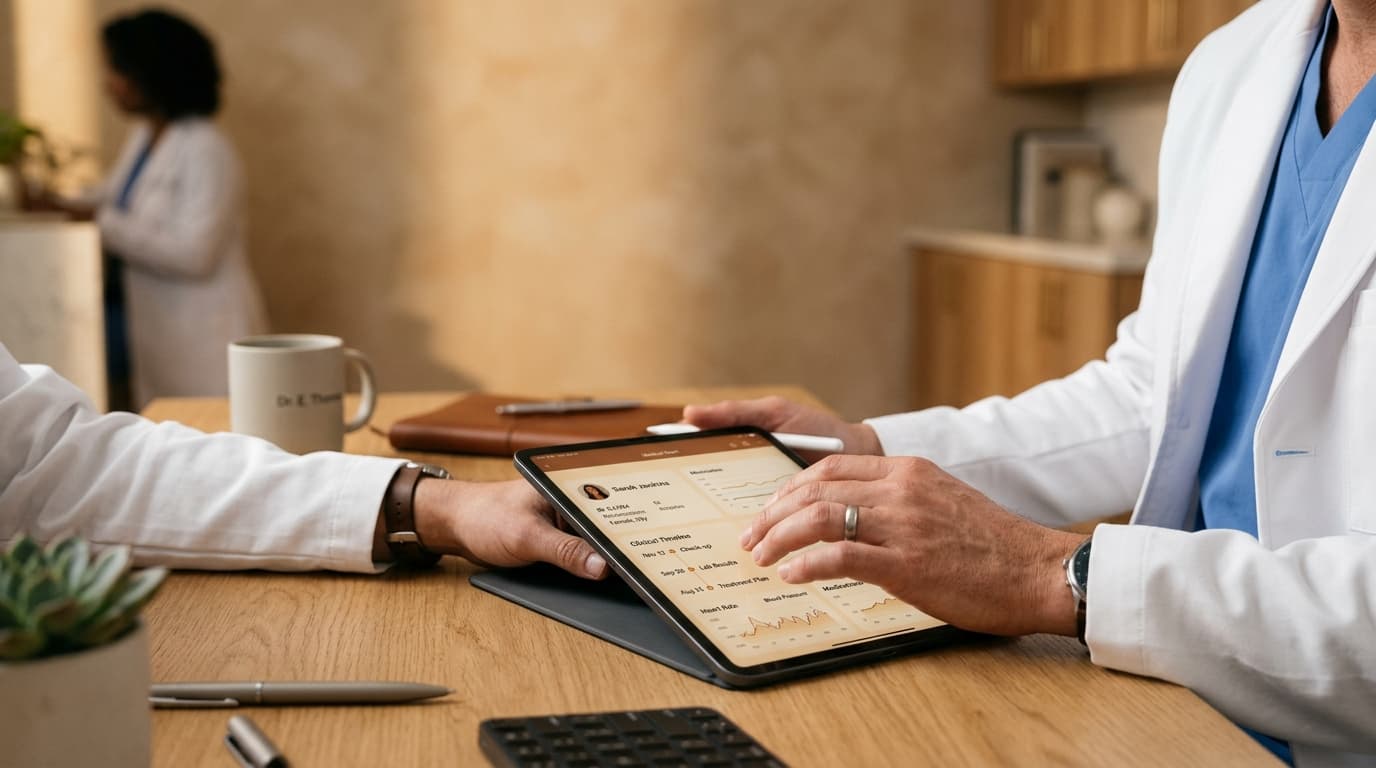
From your initial demo to managing multi-facility clinical teams, discover how HealNote modernizes outpatient clinic operations, eliminates paper documentation, and empowers doctors at every step:
Start with a Free Demo Request
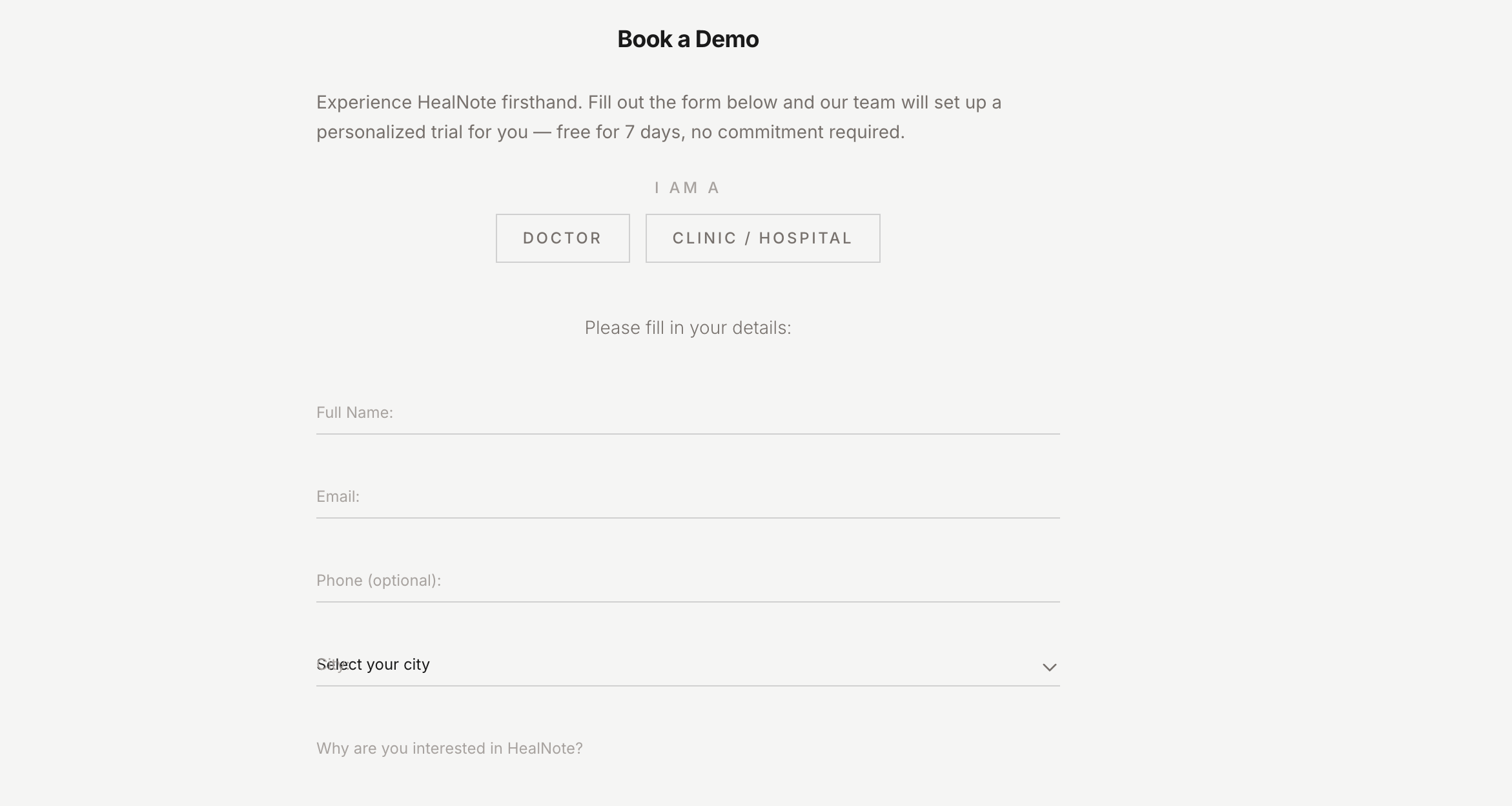
Visit healnote.health and fill out the demo request form. Tell us about your clinic — name, city, number of doctors, and operational focus. It takes less than 60 seconds.
- ▪No credit card required — completely free to try
- ▪Choose 'Clinic' as your organizational role on the form
- ▪Instant confirmation with prioritized onboarding support
- ▪Clinical specialists review clinic requests within 24 hours
Configure Your Clinic on the Web Dashboard
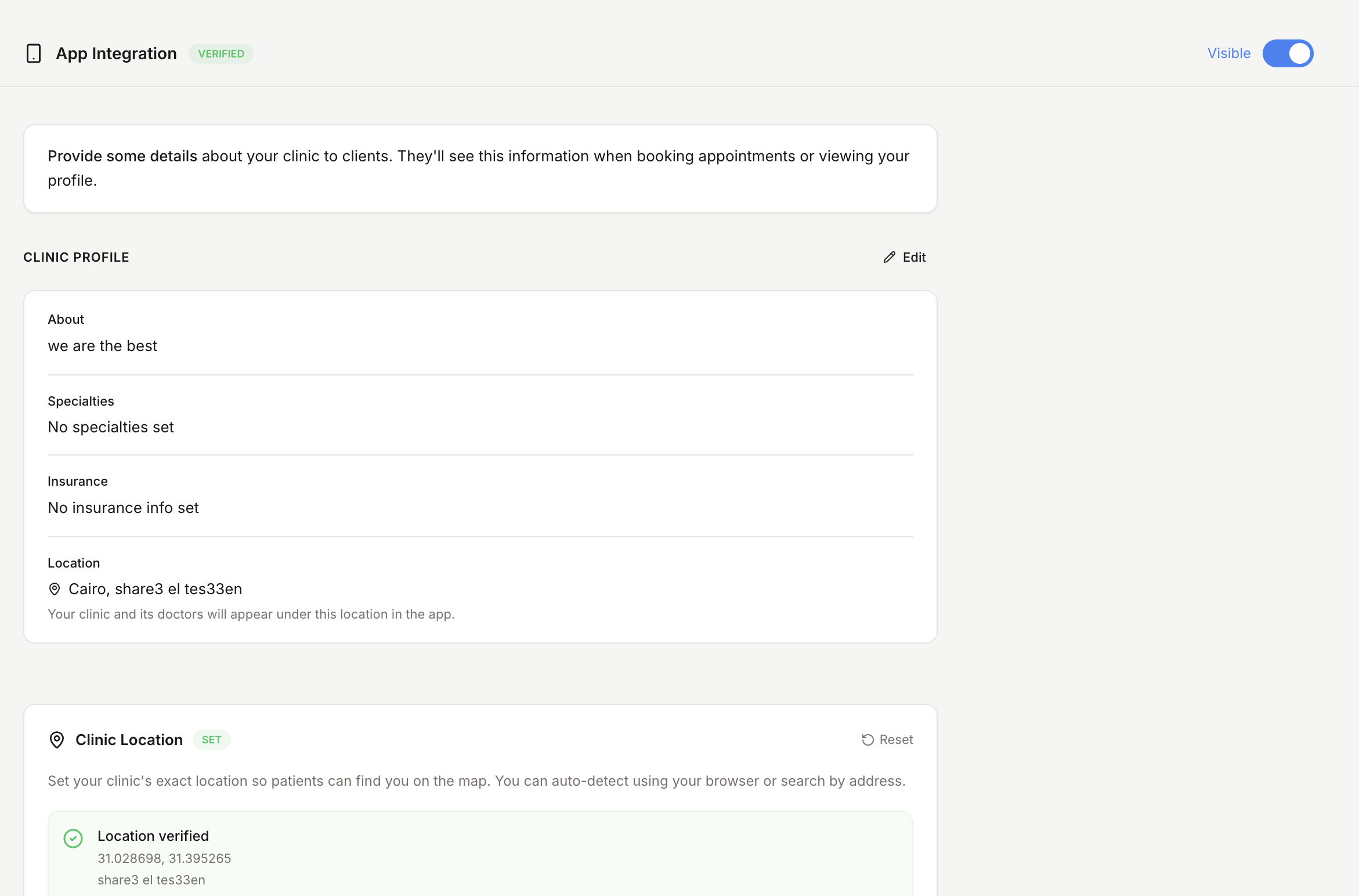
Log in to the HealNote web dashboard at healnote.health with your Google credentials. Complete your clinic profile — this establishes your clinical identity for patients discovering your facility on mobile.
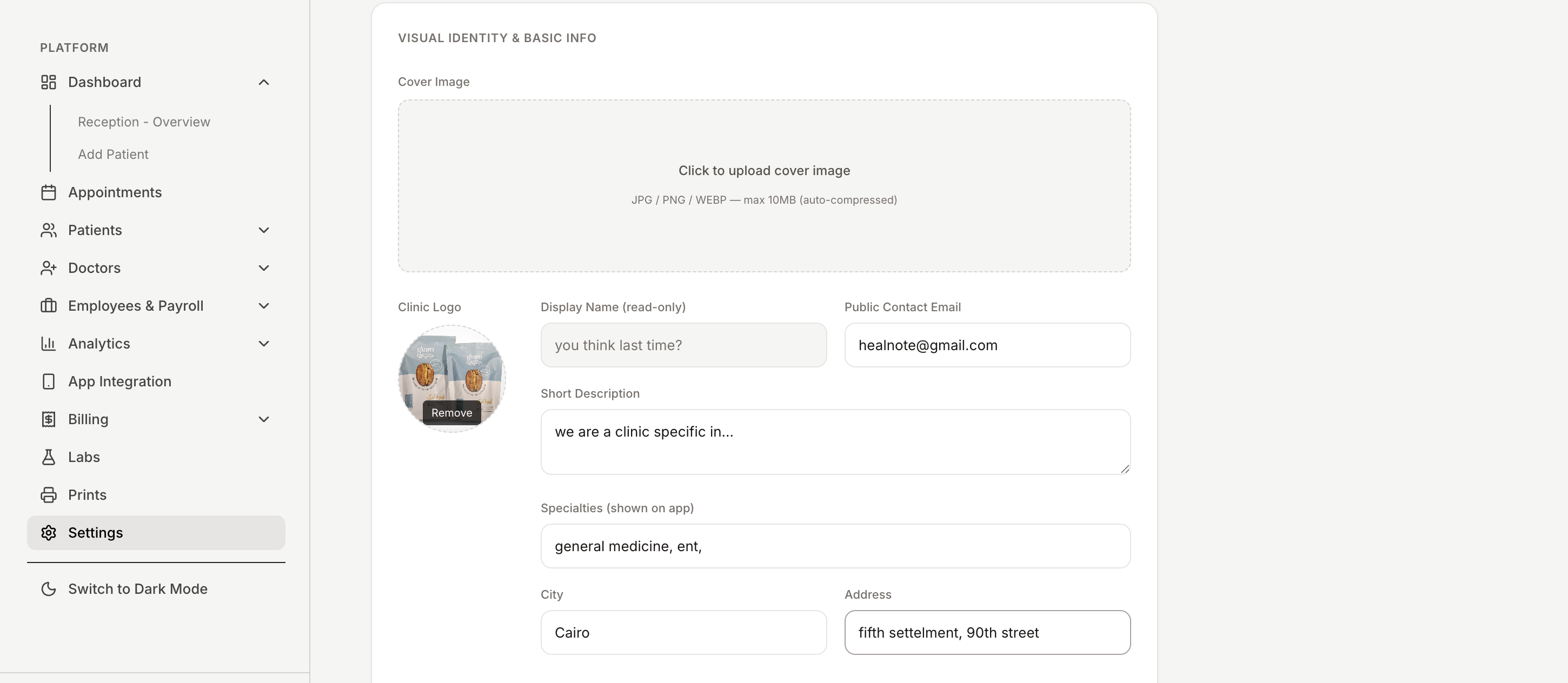
- ▪Upload your clinic branding, logo, and cover photography
- ▪Add your physical address with precise GPS map pinning
- ▪List accepted insurance providers and copay tiers
- ▪Set clinic specialties (dentistry, dermatology, pediatrics, family medicine)
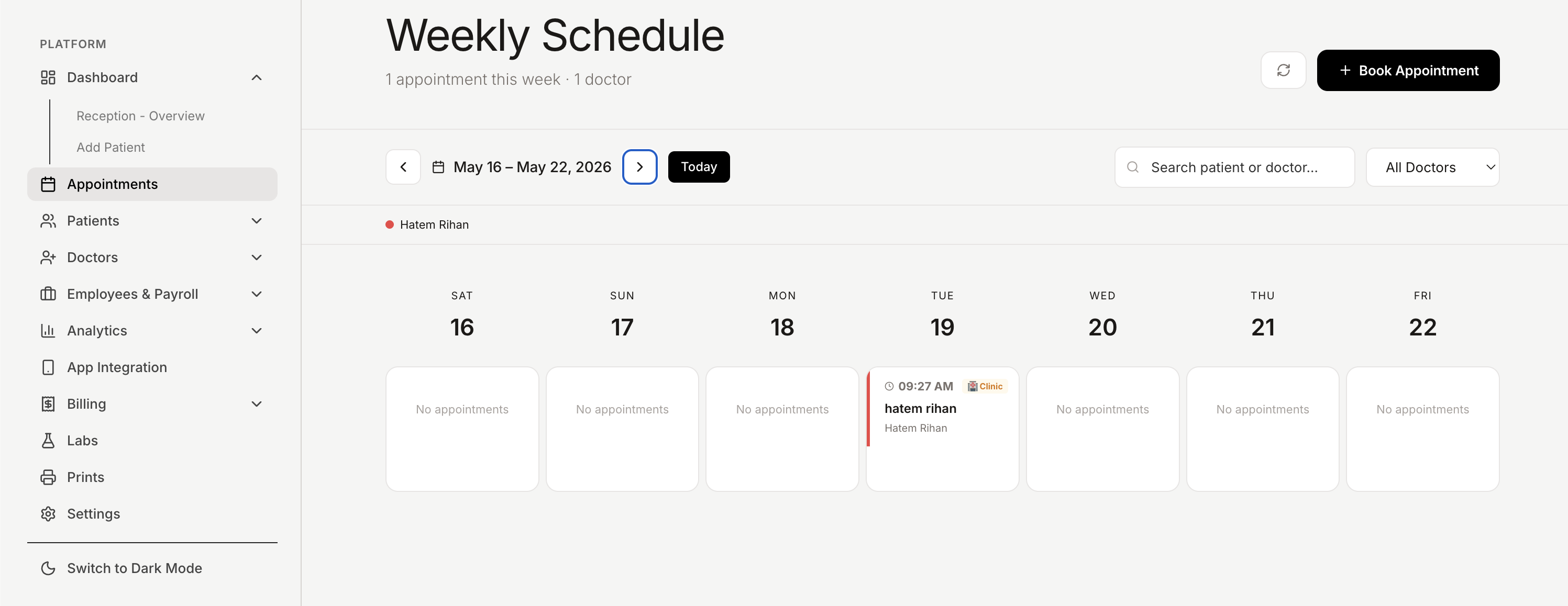
- ▪Configure operating hours, consultation room allocations, and weekly availability
Invite and Organize Your Medical Staff
Add doctors through the centralized clinic management console. Physicians receive instant email invitations linked to your facility, pre-configured with their assigned rooms and consultation schedules.
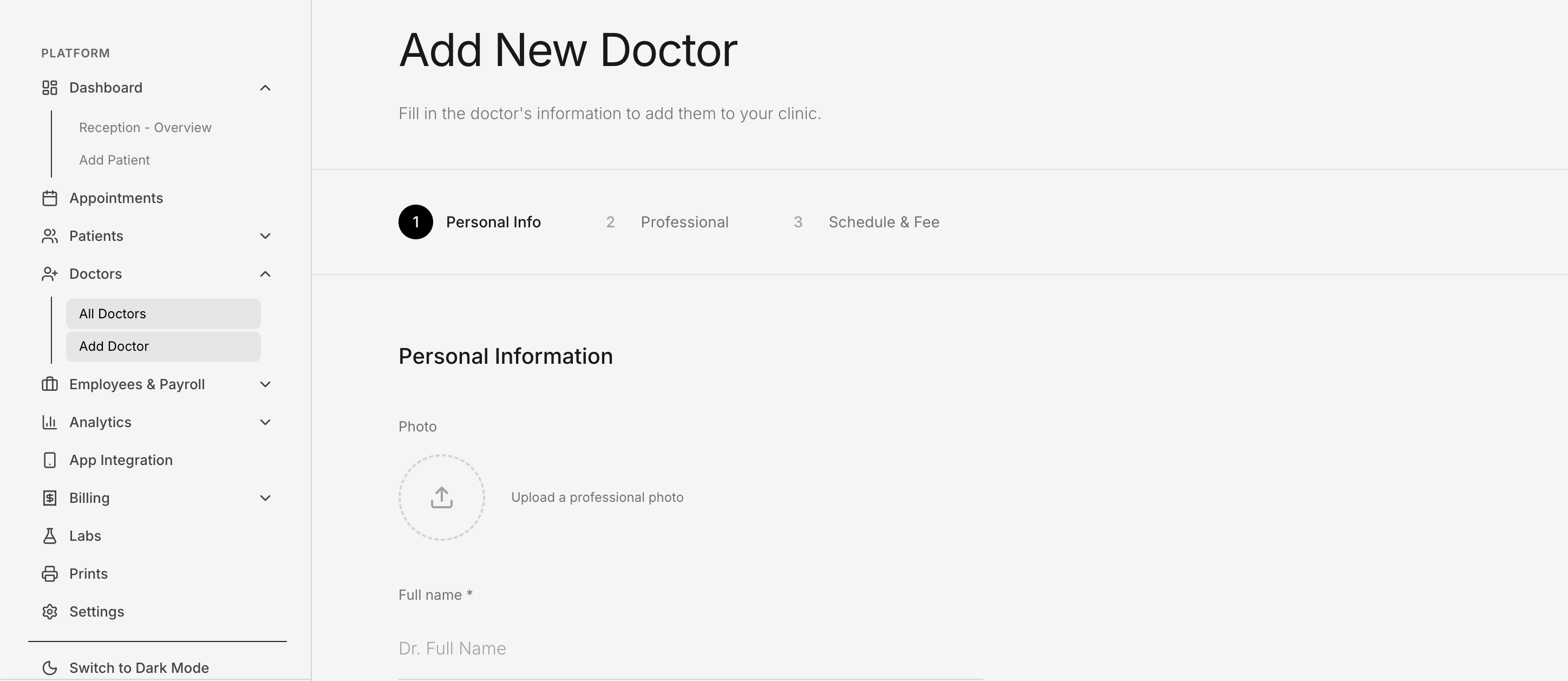
- ▪Send 1-click email invitations to medical staff
- ▪Physicians receive autonomous accounts linked to your clinic
- ▪Manage medical license verification and specialty credentials
- ▪Set custom consultation fees and room schedules per physician
- ▪Doctors begin seeing patients immediately upon accepting the invite
Publish Your Clinic on the Mobile Patient Network
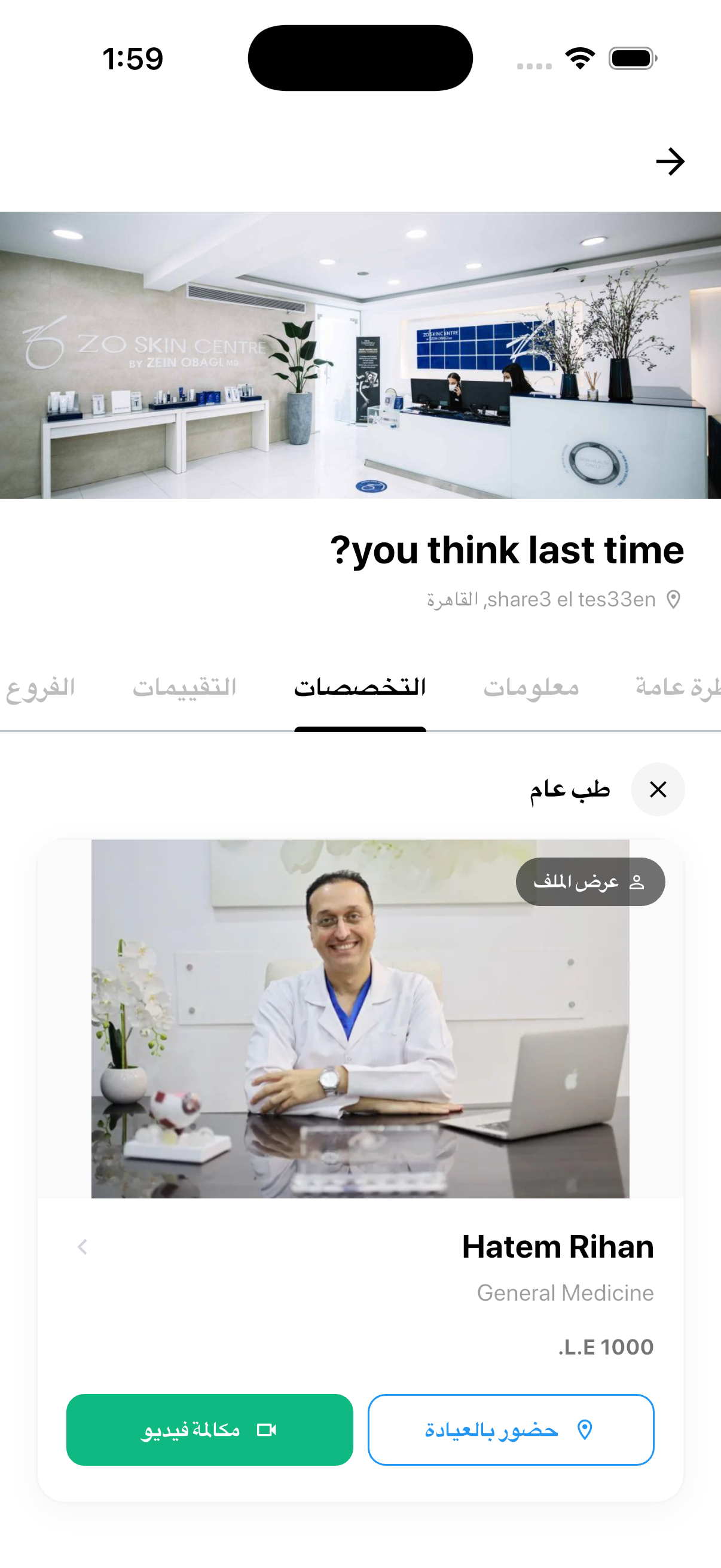
Once your facility profile and medical team are configured, your clinic publishes live to the HealNote mobile app. Patients across your city discover your facility, explore doctor credentials, and book visits in real time.
- ▪Automatic listing in the mobile patient discovery feed
- ▪Patients view your specialty departments, reviews, and physician roster
- ▪Real-time calendar availability updated dynamically from your dashboard
- ▪No app installation required for staff — manage all operations via web
- ▪Patients discover your clinic via interactive Google Maps integration
Streamline Patient Discovery & Inbound Bookings
Patients browse the mobile app, filter by medical specialty, location, and insurance network, read verified peer reviews, and schedule appointments without requiring phone receptionist queues.
- ▪Instant self-scheduling with real-time slot verification
- ▪Digital pre-visit check-in and symptom intake questionnaires
- ▪Direct push and WhatsApp notifications sent upon booking confirmation
- ▪Real-time patient queue position and estimated arrival countdowns
- ▪Patient reviews and verified ratings establish clinical trust
Run Structured Consultations & Digital Charting
Doctors conduct consultations through the web interface. HealNote provides an end-to-end clinical workflow — from intake review and ambient notes to authenticated electronic prescriptions and follow-ups.
- ▪Custom intake templates designed per medical department
- ▪Authenticated digital prescriptions dispatched directly via WhatsApp/SMS
- ▪Longitudinal patient records accessible across repeat visits
- ▪Direct integration of diagnostic lab requisitions and imaging scans
- ▪Integrated follow-up reminder scheduling built directly into visit sign-off
Ambient Voice Scribe & Clinical Decision Support
HealNote AI ambiently transcribes natural doctor-patient dialogue into structured SOAP charts, eliminating after-hours documentation while surfacing diagnostic ICD-10 suggestions.
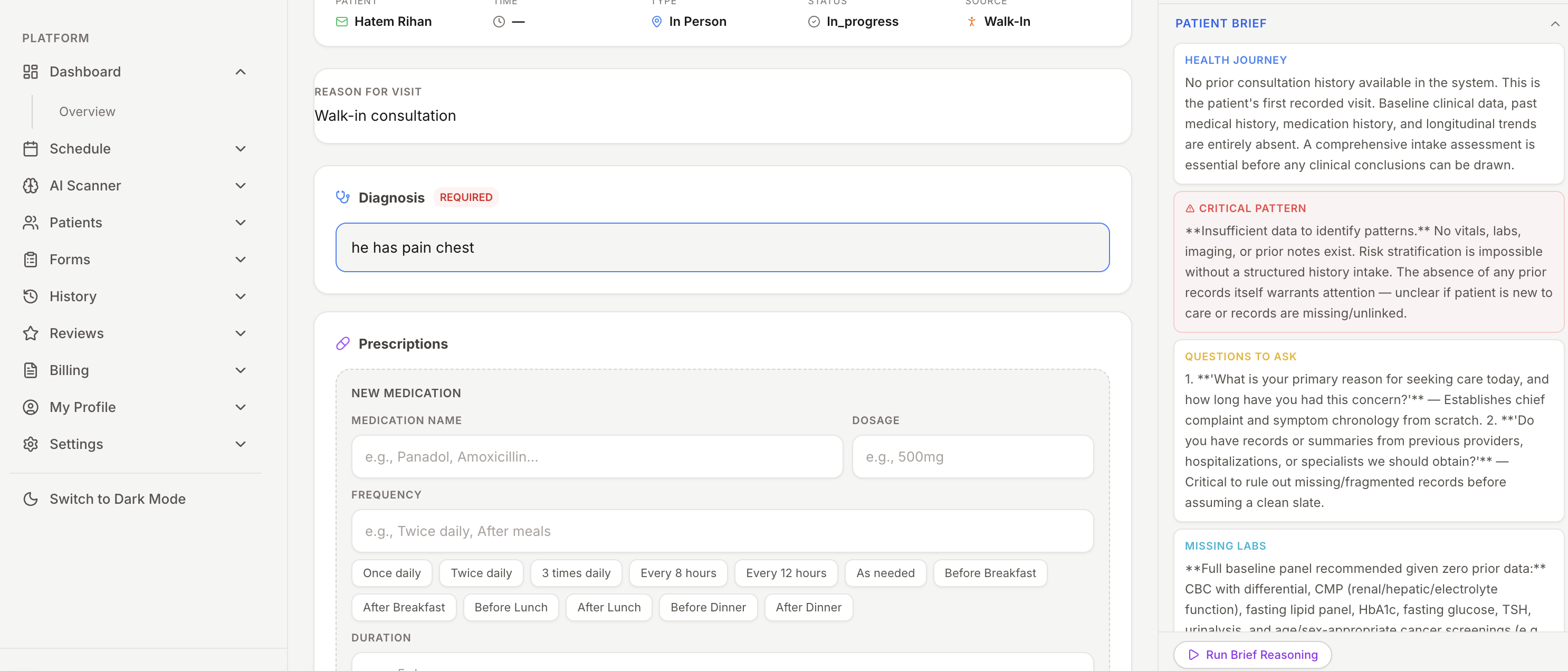
- ▪Automated clinical history briefs generated prior to consultation start
- ▪Hands-free ambient scribe drafts subjective, objective, and assessment sections
- ▪Automated differential diagnosis and ICD-10 coding recommendations
- ▪100% human-in-the-loop: all notes and recommendations require physician review
- ▪Cuts manual chart entry by over 70% per patient encounter
Real-Time Ledgers, Payroll & Billing Analytics
Track facility operational volume, revenue streams, and physician productivity from one consolidated dashboard. Automate insurance claim generation and view double-entry accounting summaries.
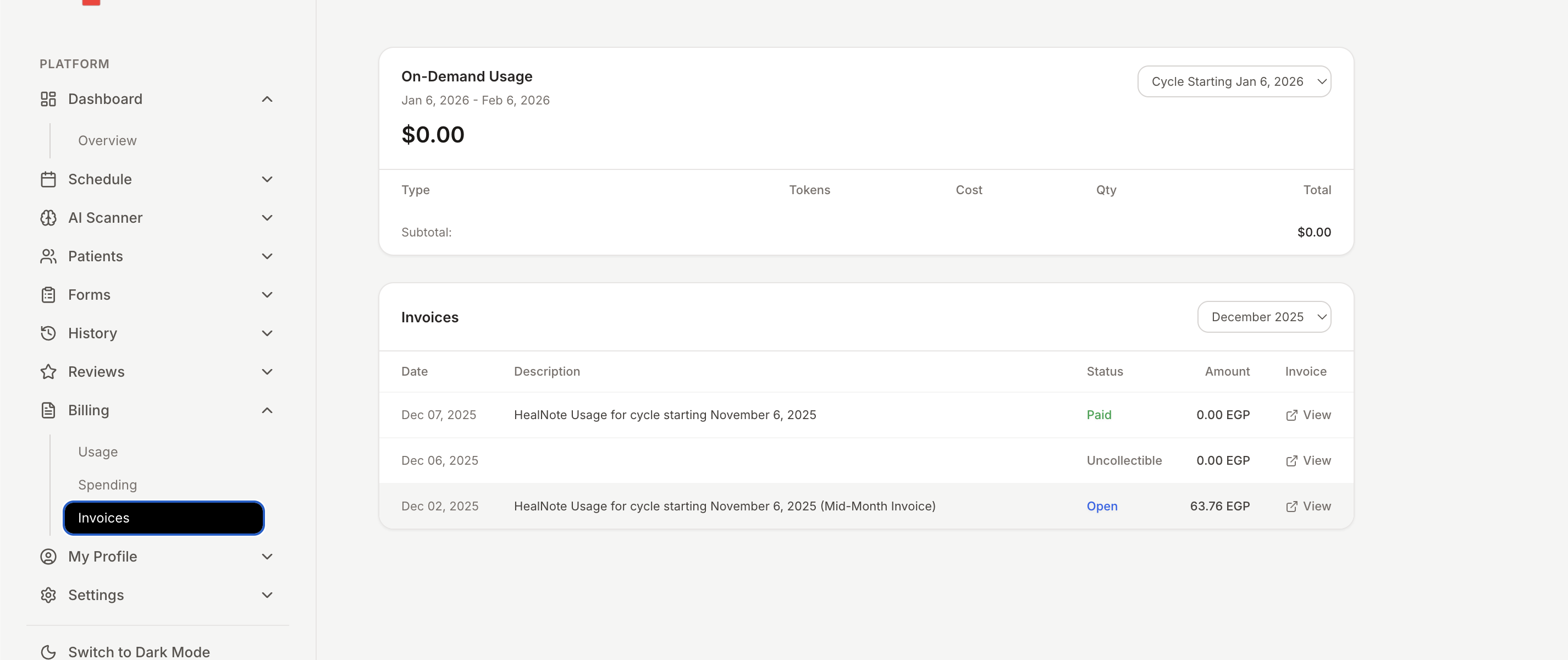
- ▪Real-time analytics covering appointment volumes, revenue, and receivables
- ▪Physician ROI metrics and variable compensation breakdown
- ▪Automated insurance eligibility verification and claim pre-authorizations
- ▪Transparent usage-based credit tracking with zero hidden lock-ins
- ▪Exportable financial ledgers for enterprise accounting audits
Expand Across Multi-Facility Networks
As your healthcare enterprise expands, HealNote scales seamlessly. Manage multi-branch locations, rotate doctor shifts across facilities, and standardize clinical protocols across departments.
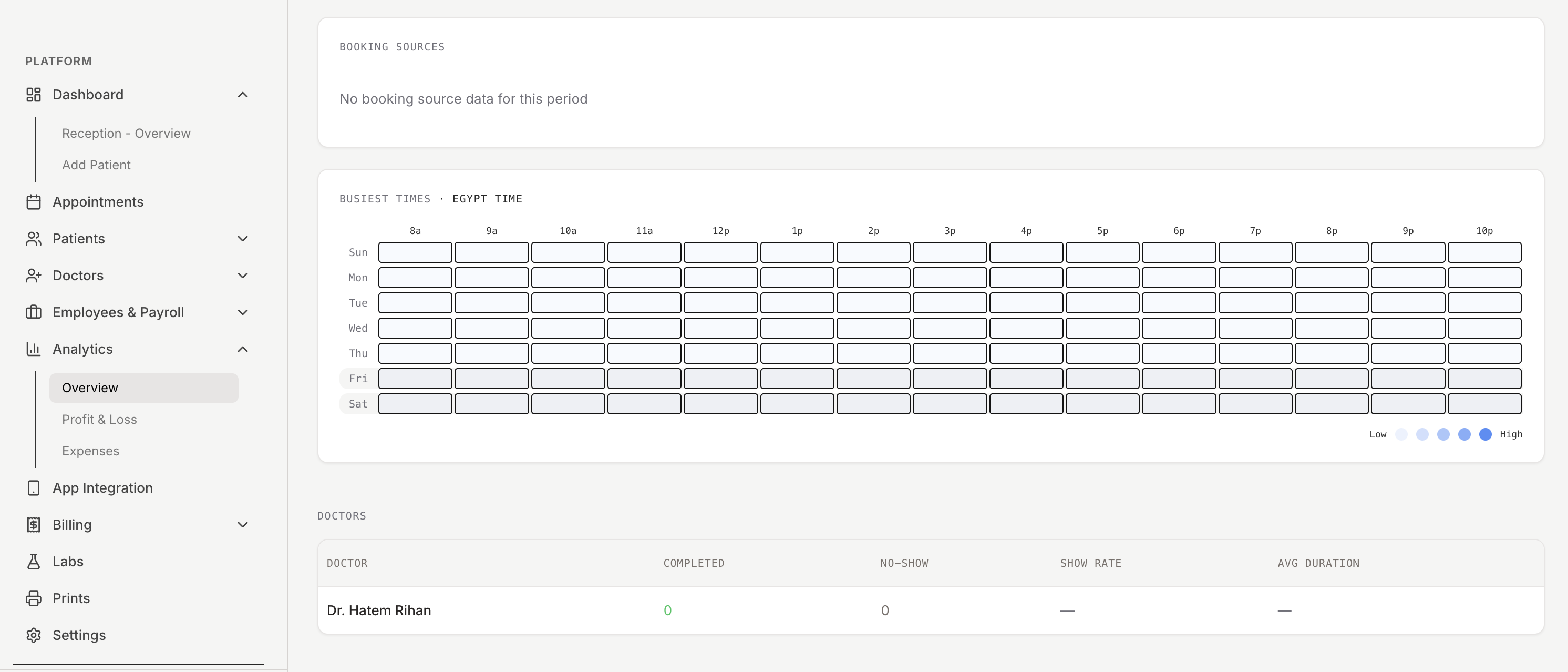
- ▪Add unlimited doctors, clinical assistants, and reception staff
- ▪Centralized multi-branch control with unified patient records
- ▪Biometric attendance logs and multi-facility shift rosters
- ▪Verified practice badges (Top Rated, Highly Trusted) on the patient app
- ▪Standardized corporate billing and enterprise compliance logging