
Deliver clinical excellence as part of a connected medical team
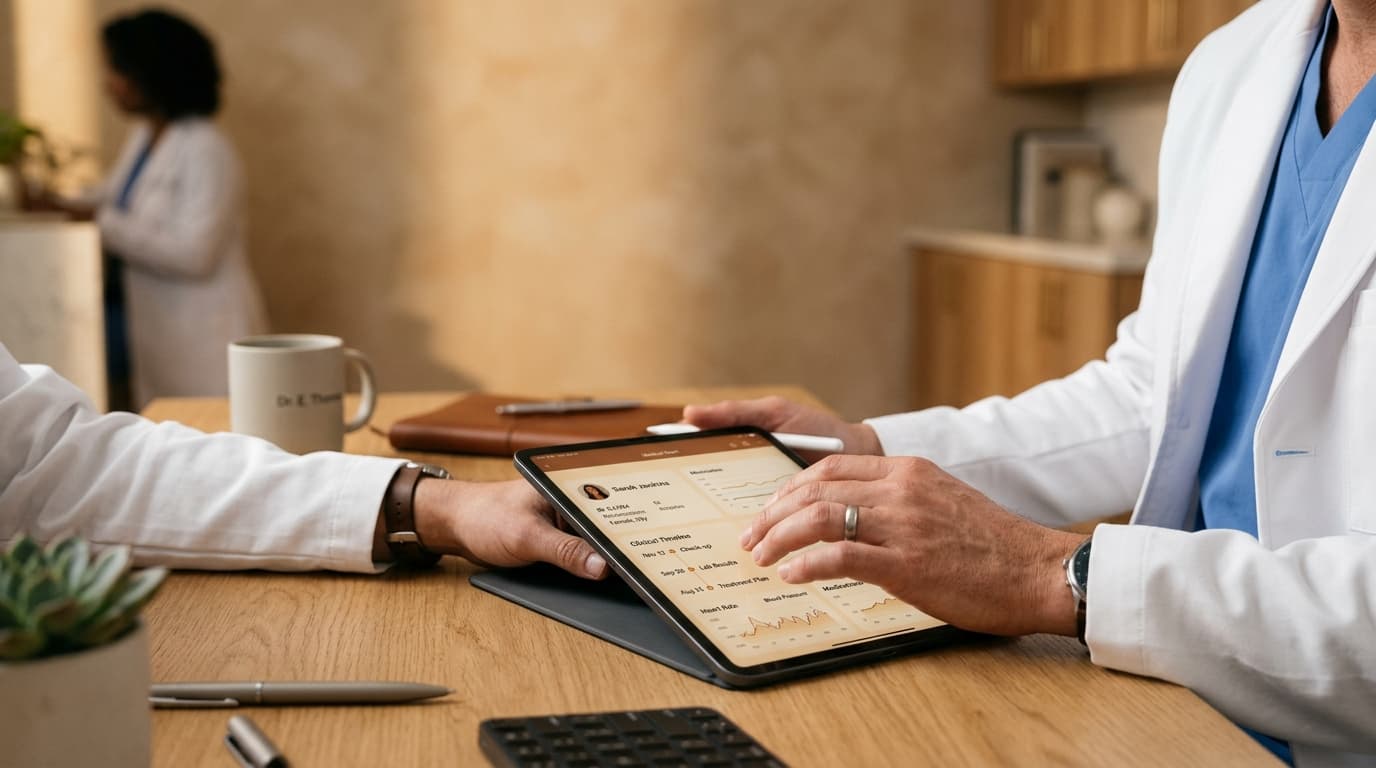
Your clinic manages onboarding, facilities, and patient acquisition. You focus strictly on clinical care with ambient AI documentation, shared patient histories, and seamless reception synchronization.
Receive Your Clinic Invitation
You don't need to sign up or request a demo on your own. Your clinic administrator creates your account and dispatches an invitation link directly to your email address.
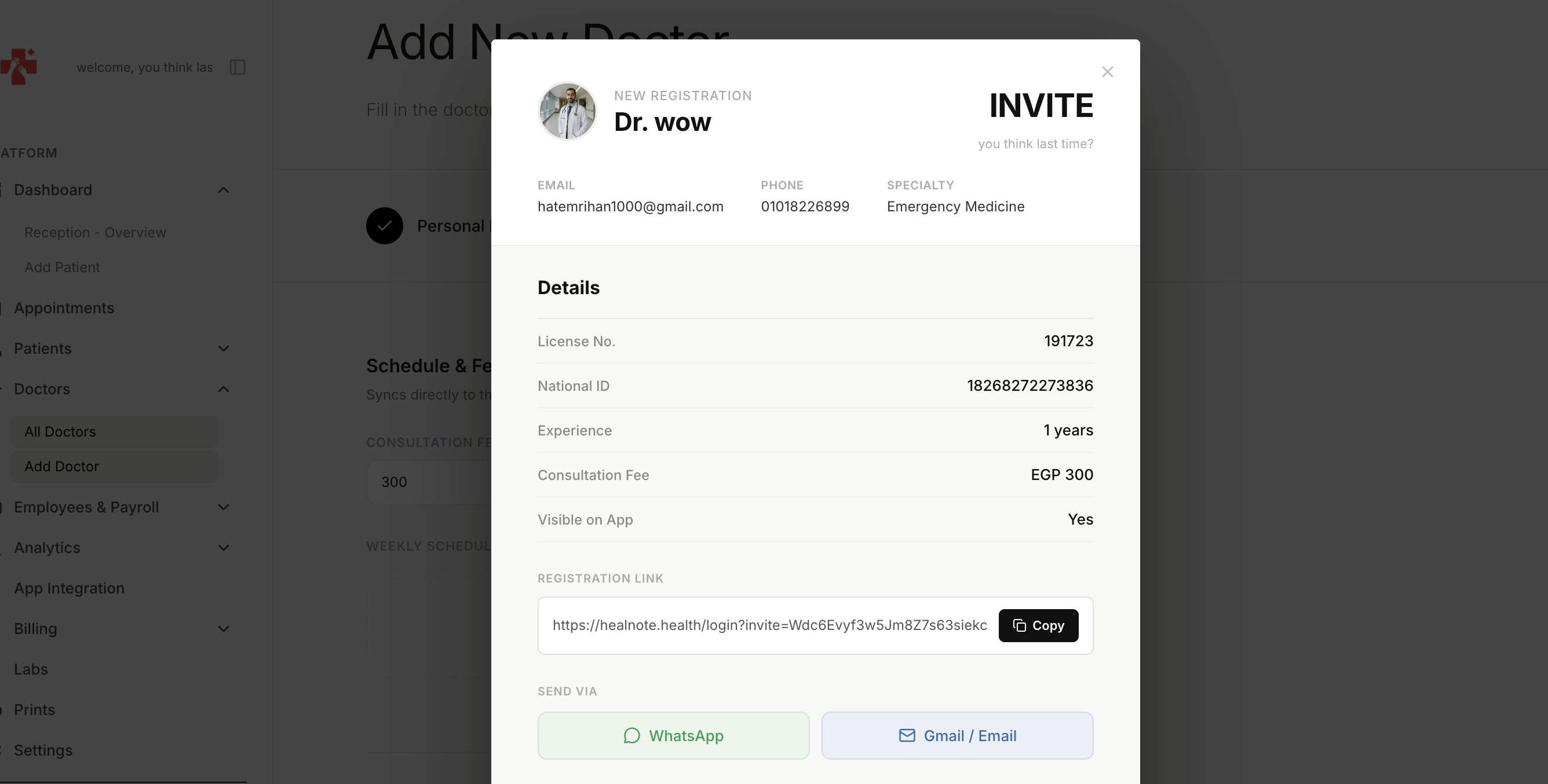
- ▪Zero registration friction — your clinic admin provisions your account
- ▪Instant email link connects you directly to your assigned clinic and rooms
- ▪Consultation fee structures and visibility rules are pre-configured
- ▪Account security backed by Google OAuth and two-factor authentication
Sign In to the Clinical Dashboard
Sign in securely at healnote.health with the Google account your clinic invited. Your clinical station is ready immediately, synchronized with your facility's departments and patient queues.
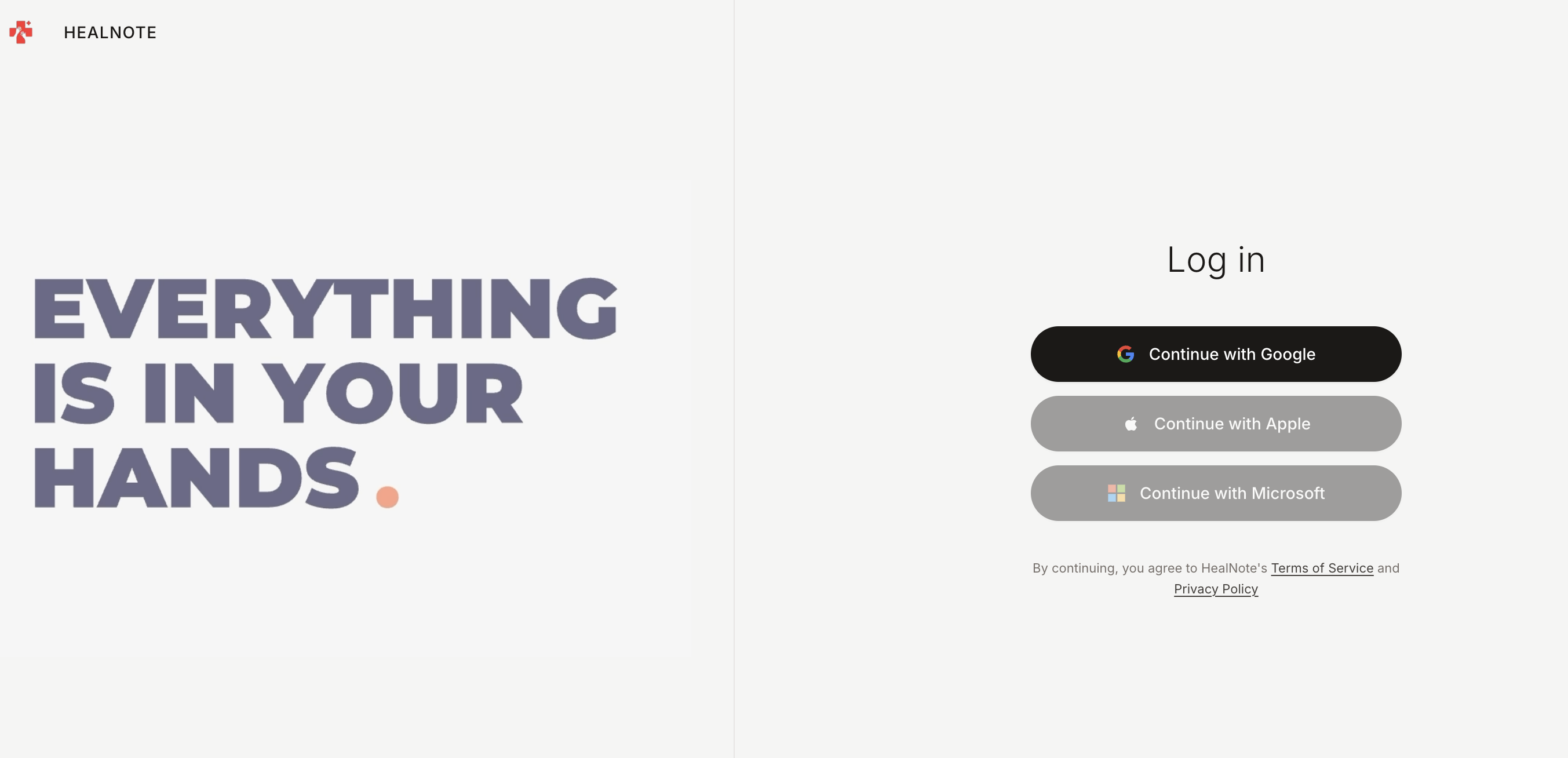
- ▪Access via any browser on clinic desktop monitors or mobile tablets
- ▪Immediate view of your facility affiliation and assigned department
- ▪No app installation required for staff — pure high-performance web app
- ▪Patients use the native iOS/Android mobile app to book and arrive
Complete Your Physician Profile
Review and finalize your clinical profile details. Confirm your medical specialties, upload credentials, and verify your assigned consultation hours for the facility.
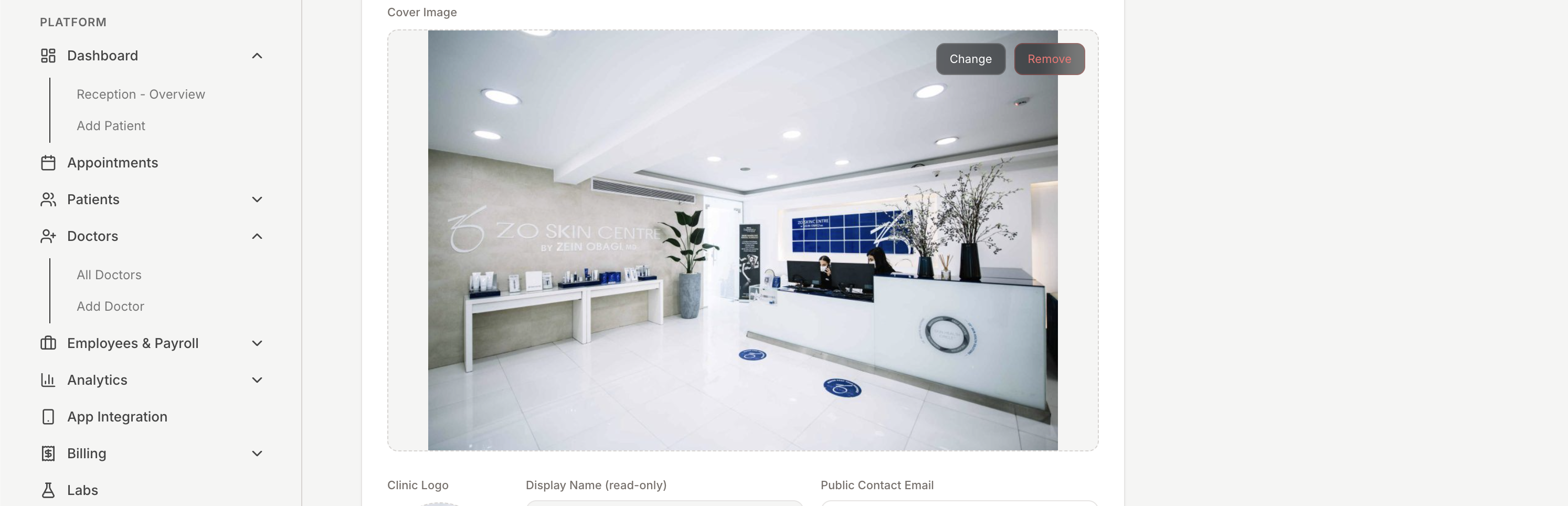
- ▪Confirm your primary medical specialty and sub-specialties
- ▪Verify your medical license number and clinical credentials
- ▪Add a professional clinician bio for prospective patients
- ▪Sync your shift hours with the clinic's reception schedule
Patients Routed Directly to Your Roster
You don't have to market or hunt for patients on your own. Patients discover your clinic on the mobile app, browse your department's doctor roster, and book appointments directly.
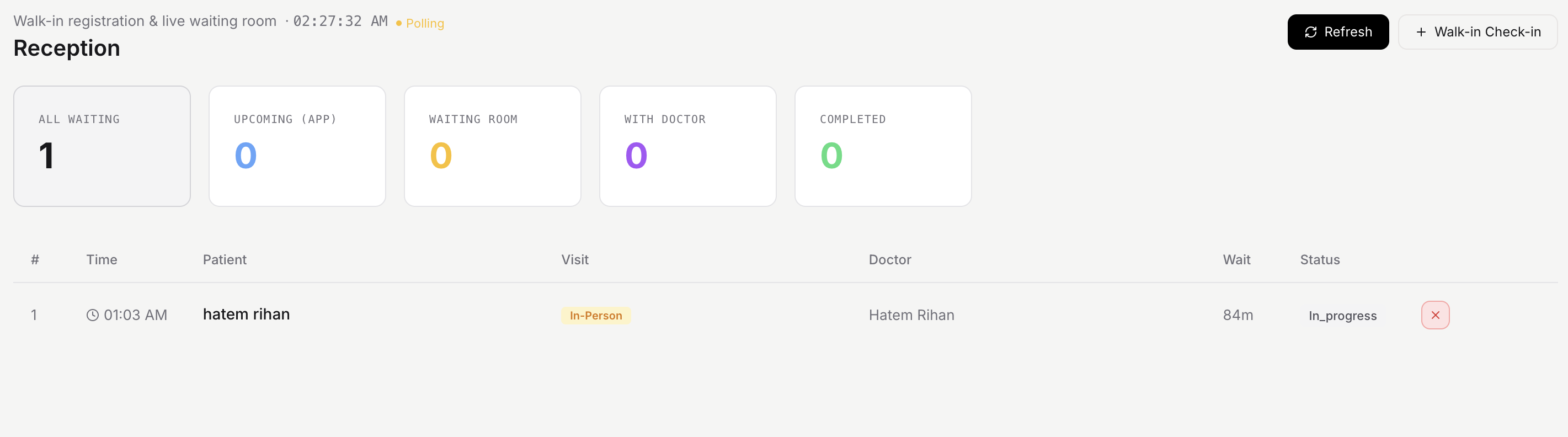
- ▪Inbound patient demand routed through your clinic's mobile presence
- ▪Patients filter by specialty and select available time slots with ease
- ▪Immediate notification alerts on your dashboard when a patient checks in
- ▪Reception desk synchronizes front-desk arrivals with your consultation queue
Full Patient Records & Pre-Visit Intake
Prior to calling a patient into your room, review their complete clinical profile: past doctor consultations within the clinic, intake answers, chronic conditions, and diagnostic files.
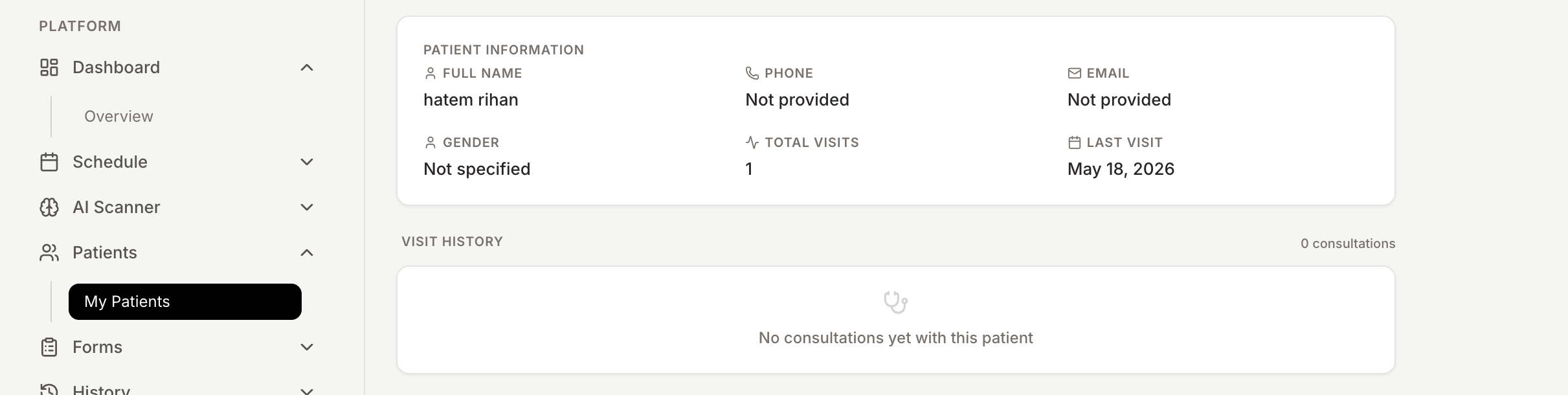
- ▪Cross-departmental medical history across all clinic doctors
- ▪Pre-visit digital intake answers and symptom questionnaires
- ▪Complete chronological log of past medications and dosages
- ▪Immediate preview of attached laboratory PDFs and radiology scans
- ▪AI-generated history brief highlighting key risk factors in advance
Conduct Structured Clinical Consultations
Conduct patient encounters through a guided, efficient workflow on your dashboard. Examine, diagnose with ICD-10 suggestions, transcribe notes with ambient AI, and finalize treatment plans.
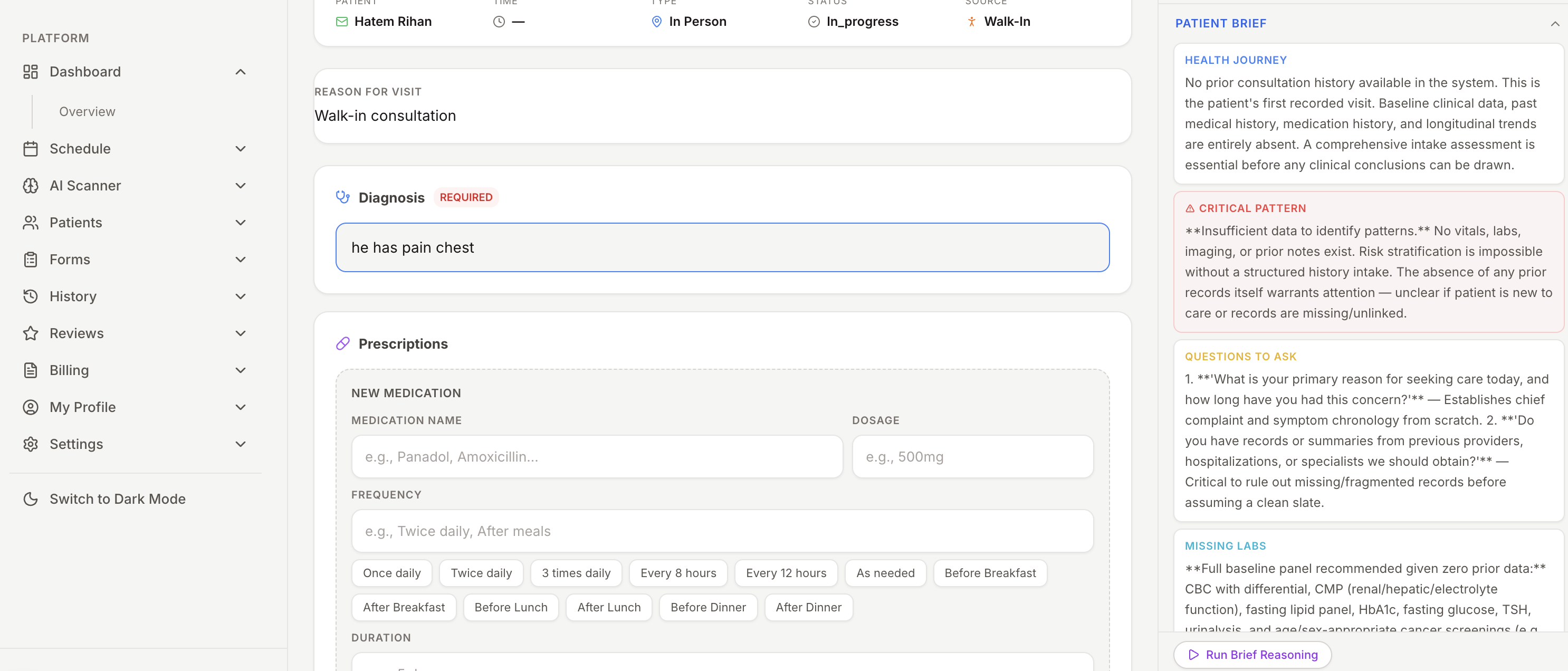
- ▪Structured consultation workflow: intake, examination, assessment, and plan
- ▪Ambient voice capture transcribes dialogue into structured notes automatically
- ▪ICD-10 diagnostic coding search with automated decision support
- ▪All consultation data saves securely to the permanent patient file
Issue E-Prescriptions & Internal Lab Requests
Issue authenticated digital prescriptions with intelligent dosage auto-complete. Order in-clinic laboratory tests or imaging scans routed directly to the facility's diagnostic desks.
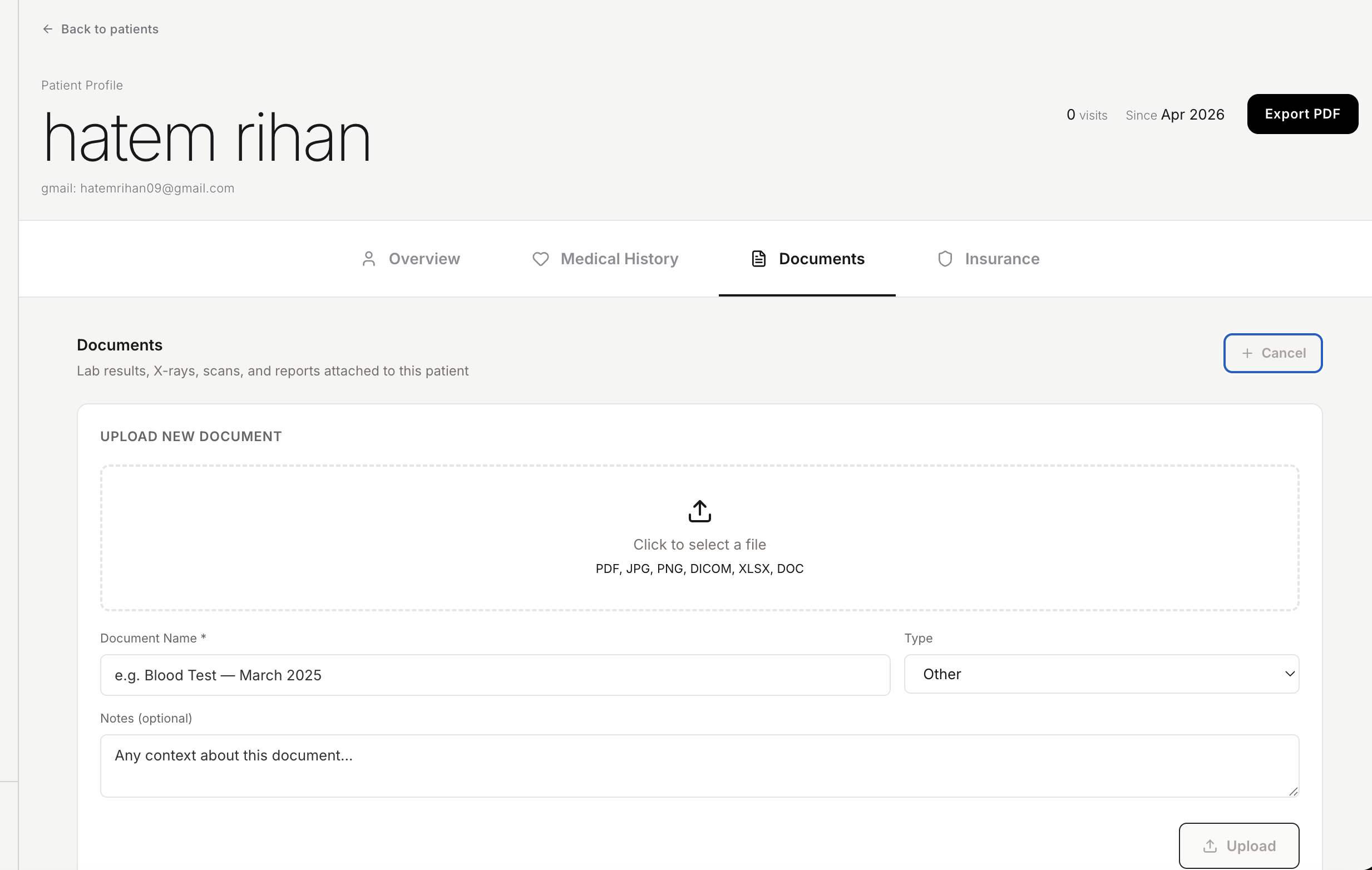
- ▪Searchable medication formulary with dosage and route auto-complete
- ▪Dispatches e-prescriptions directly to the patient's phone and WhatsApp
- ▪Orders route instantly to the clinic's in-house laboratory and pharmacy
- ▪Authenticated digital signature verification on all generated slips
AI Colleague at Your Side in Real Time
HealNote AI accelerates your clinical decision-making. Before each patient enters, an AI brief summarizes key clinical context. During visits, query pharmacology guidelines and differential diagnoses.
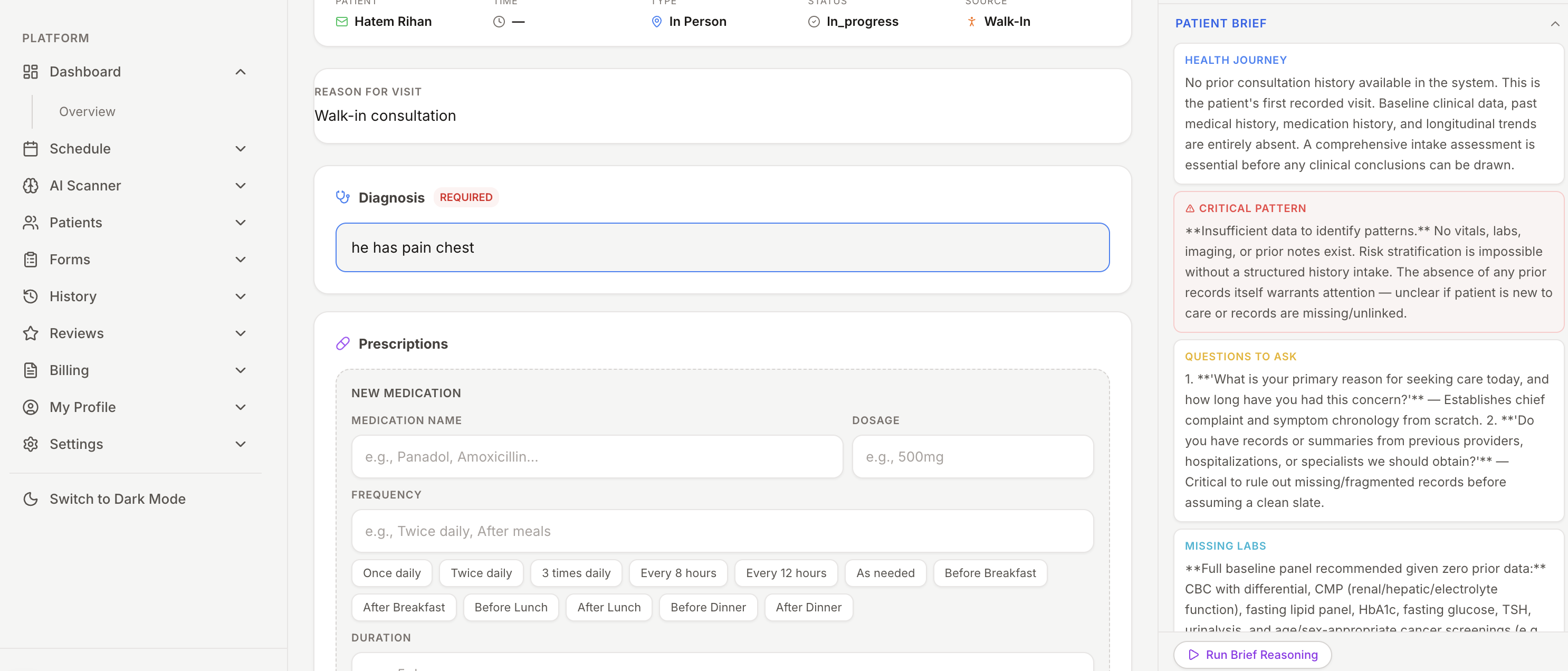
- ▪Automated summary brief generated from past visit records before consultation
- ▪Differential diagnosis assistance ranked by likelihood and clinical evidence
- ▪Clinical pharmacology assistant for drug interactions and dosage questions
- ▪Always physician-supervised: zero automated outputs sent directly to patients
Real-Time Schedule Sync with Reception & Clinic Admin
When you update your schedule or finish a visit, changes reflect across the entire facility immediately. Receptionists see your room status, avoiding double-bookings and keeping wait times minimal.
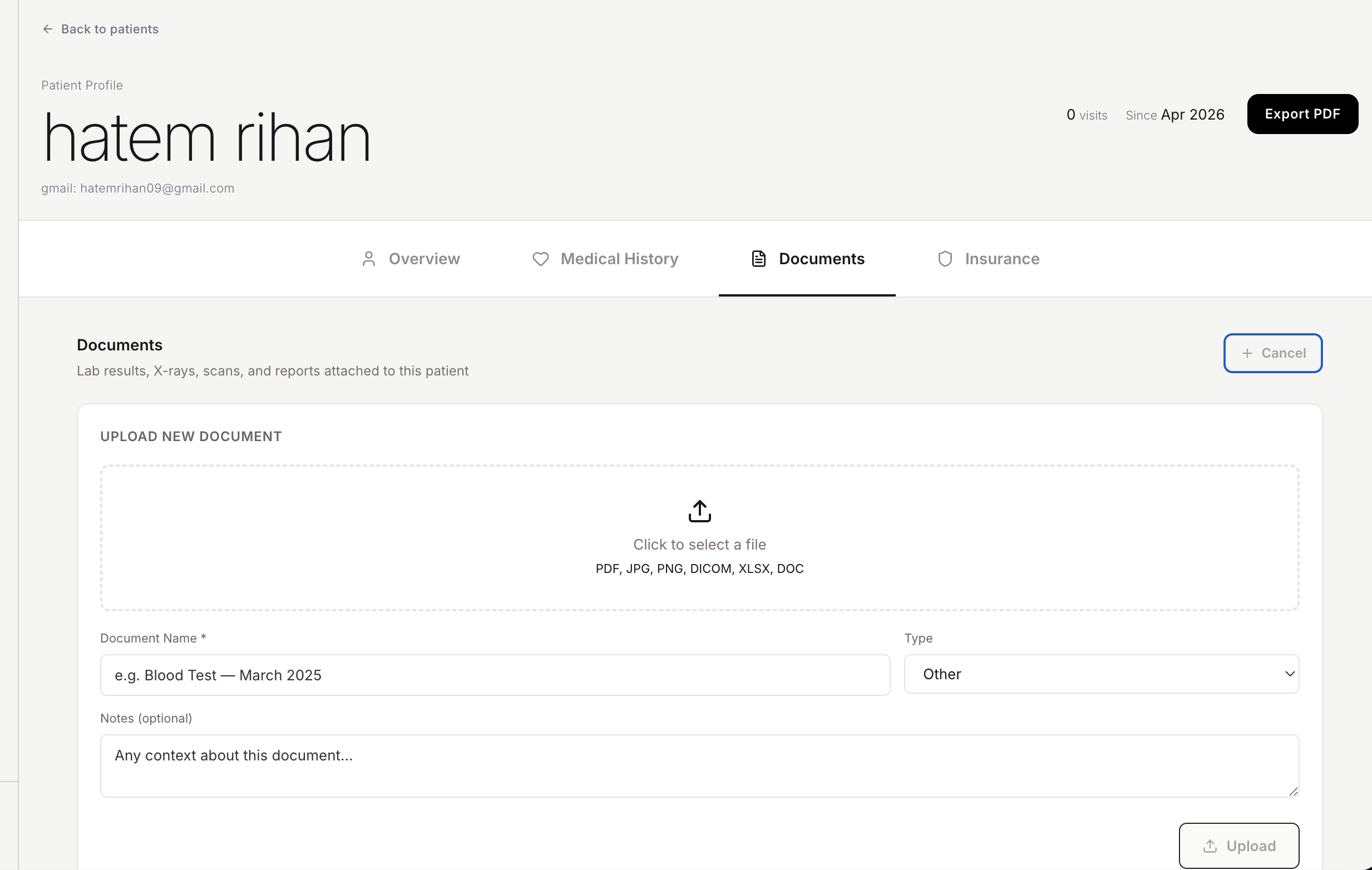
- ▪Your consultation room status syncs live with front-desk reception
- ▪Marking slots as unavailable updates the patient mobile app instantly
- ▪Completed consults automatically update clinic billing and volume analytics
- ▪Cancelled or rescheduled visits notify both the patient and reception staff