
Empower your private practice with ambient AI and instant patient reach
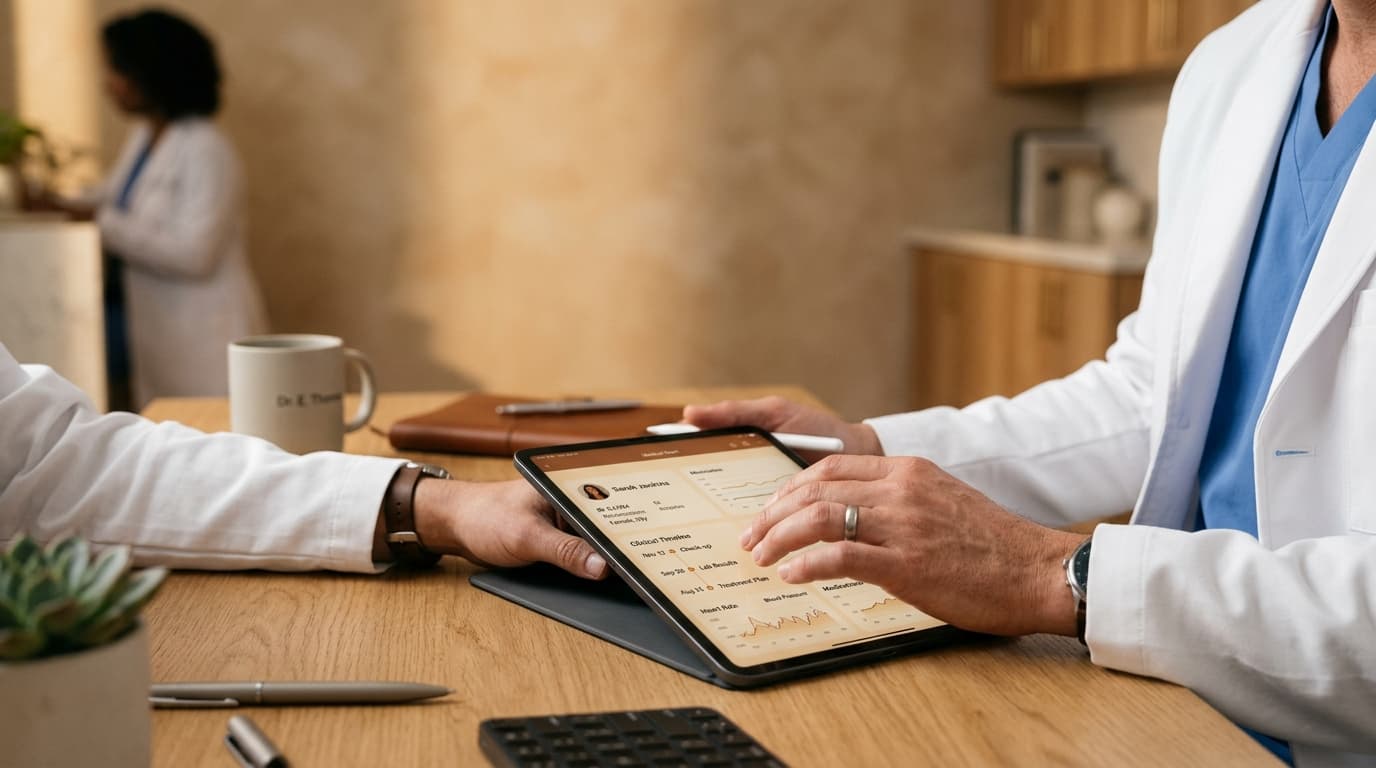
Built specifically for independent practitioners: manage your appointments, automate clinical notes with ambient AI, issue verified electronic prescriptions, and cultivate your medical reputation without administrative overhead.
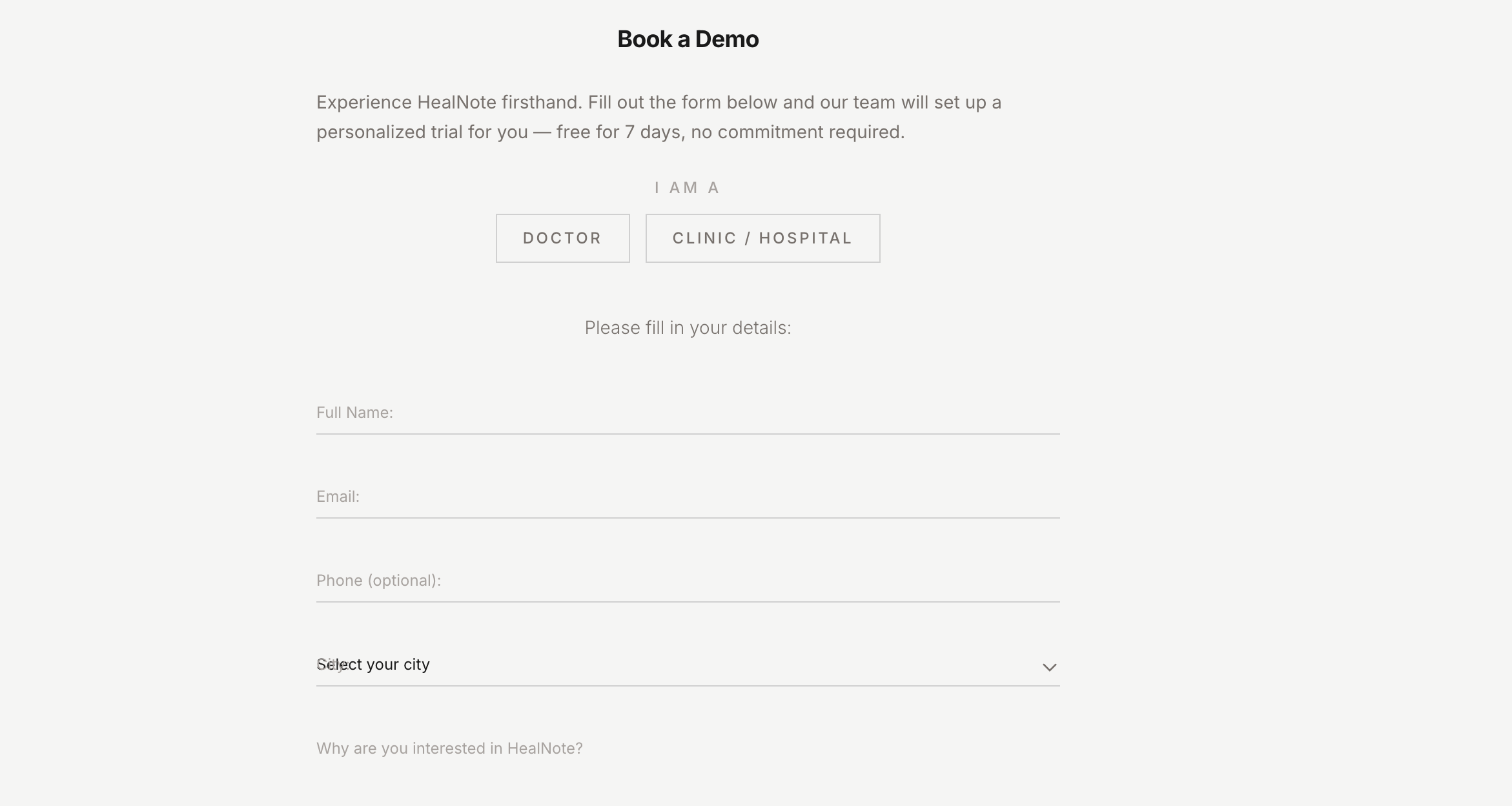
Start with a Free Demo Request
Visit healnote.health and submit the demo request form. Select 'Doctor' as your role, specifying your medical specialty, clinical location, and practice requirements. Takes less than 60 seconds.
- ▪No credit card required — completely free to try
- ▪Tailored for solo practitioners and private clinic owners
- ▪Immediate confirmation email with trial setup details
- ▪Account review and verification completed within 24 hours
Access Your Web Clinical Workstation
Sign in securely at healnote.health with your Google credentials. Your personalized physician dashboard loads instantly on desktop or tablet — no mobile installation needed for your clinical work.
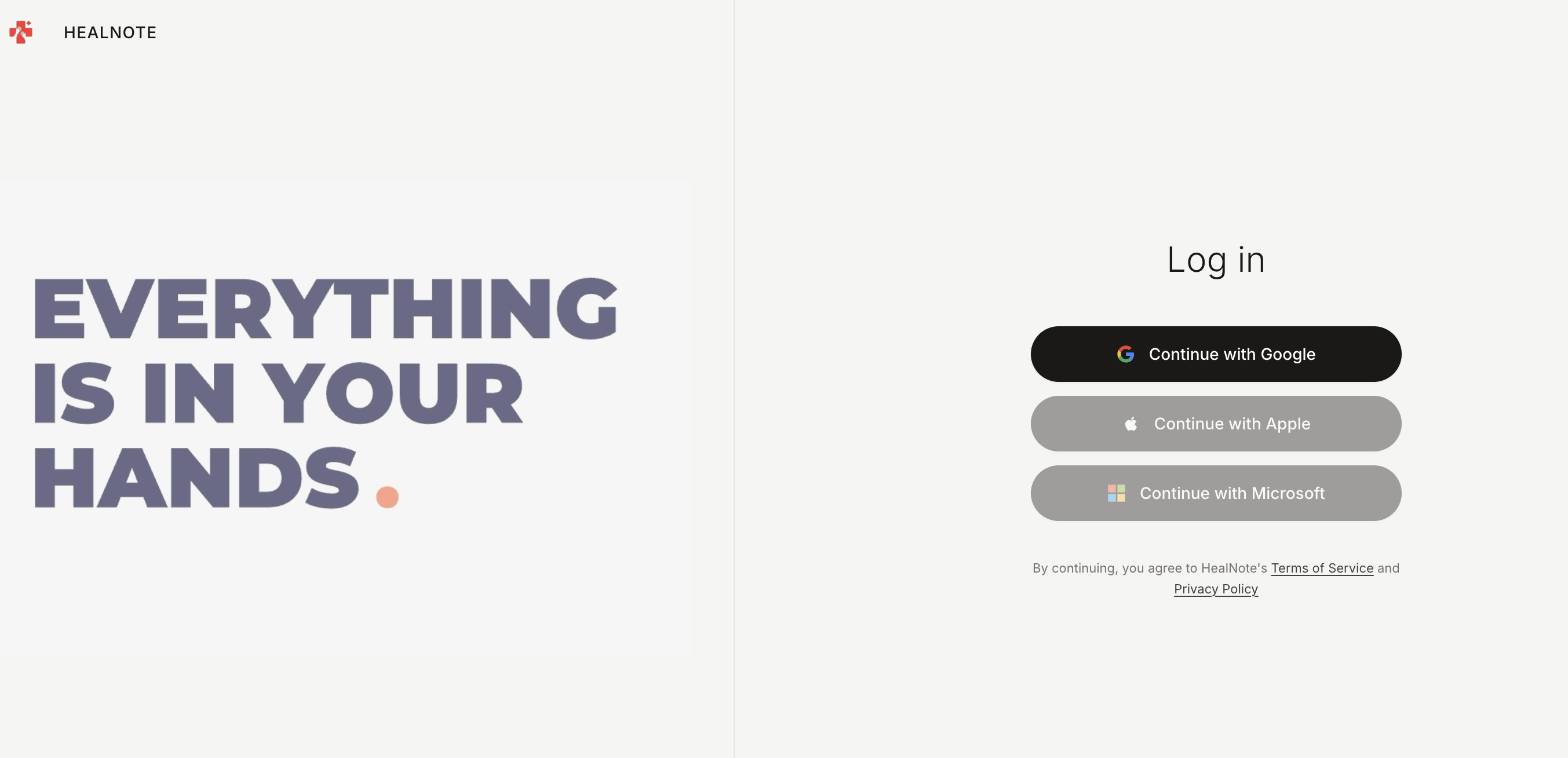
- ▪Zero app installation required — manage everything via browser
- ▪Encrypted authentication with multi-factor support
- ▪Optimized for iPads, laptops, and desktop clinical monitors
- ▪The mobile app is strictly for your patients to discover and book visits
Publish Your Clinical Credentials & Availability
Configure your public physician profile. Detail your sub-specialties, upload medical licensure, set consultation fees, and establish your weekly calendar availability for prospective patients.
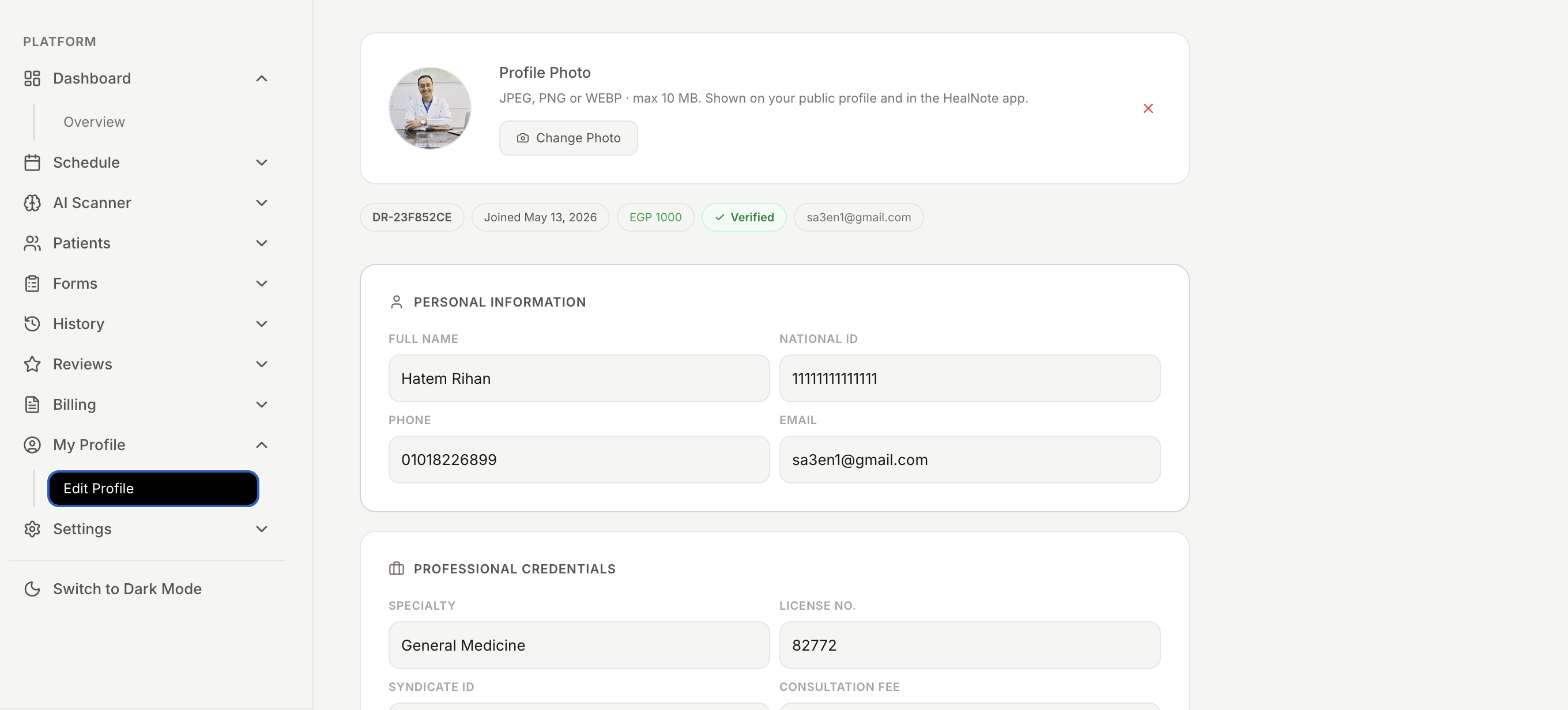
- ▪Highlight medical credentials, board certifications, and clinical bio
- ▪Upload medical license documents for platform verification badges
- ▪Configure per-visit consultation rates and follow-up intervals
- ▪Establish automated working hours, buffer windows, and break periods
Publish Directly to the Patient App Feed
Once clinical credentials are confirmed, your profile goes live in the HealNote mobile discovery directory. Patients across your geographical region can view your qualifications and book appointments.
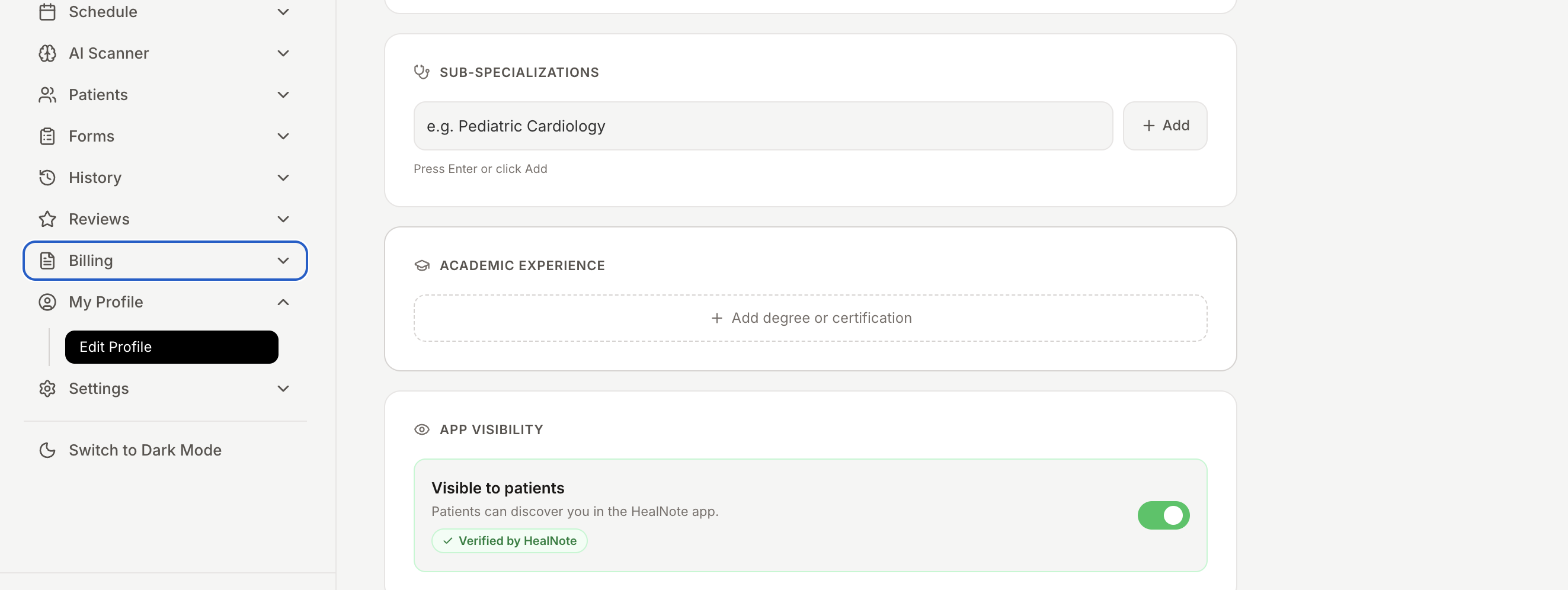
- ▪Instant listing in the localized patient search index
- ▪Verified badge displayed prominently on your clinical profile
- ▪Real-time appointment calendar visible to patients 24/7
- ▪Automated route navigation via integrated Google Maps
Automate Discovery & Frictionless Self-Booking
Patients browse the mobile directory, filter by specialty and accepted insurance, examine verified ratings, and reserve appointment slots directly without telephone back-and-forth.
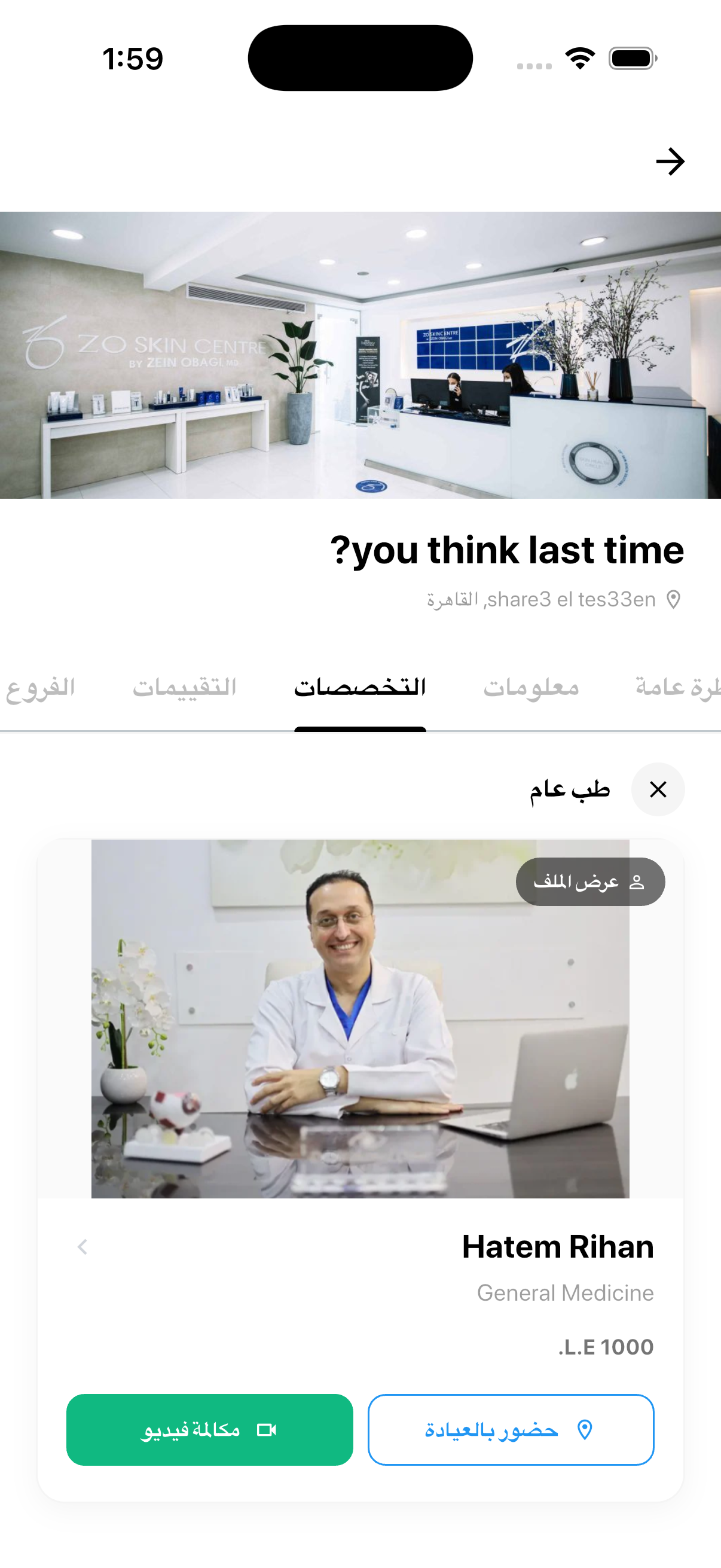
- ▪Frictionless self-scheduling with immediate confirmation
- ▪Patients select specific reasons for visit and symptoms in advance
- ▪Real-time notifications sent directly to your clinical dashboard
- ▪Automated patient intake questionnaires triggered upon reservation
Full Longitudinal Patient Profiles at Your Fingertips
Before starting an encounter, access the patient's complete longitudinal record: prior visits, vital sign trends, past medications, lab attachments, and allergies arranged on a single chronological timeline.
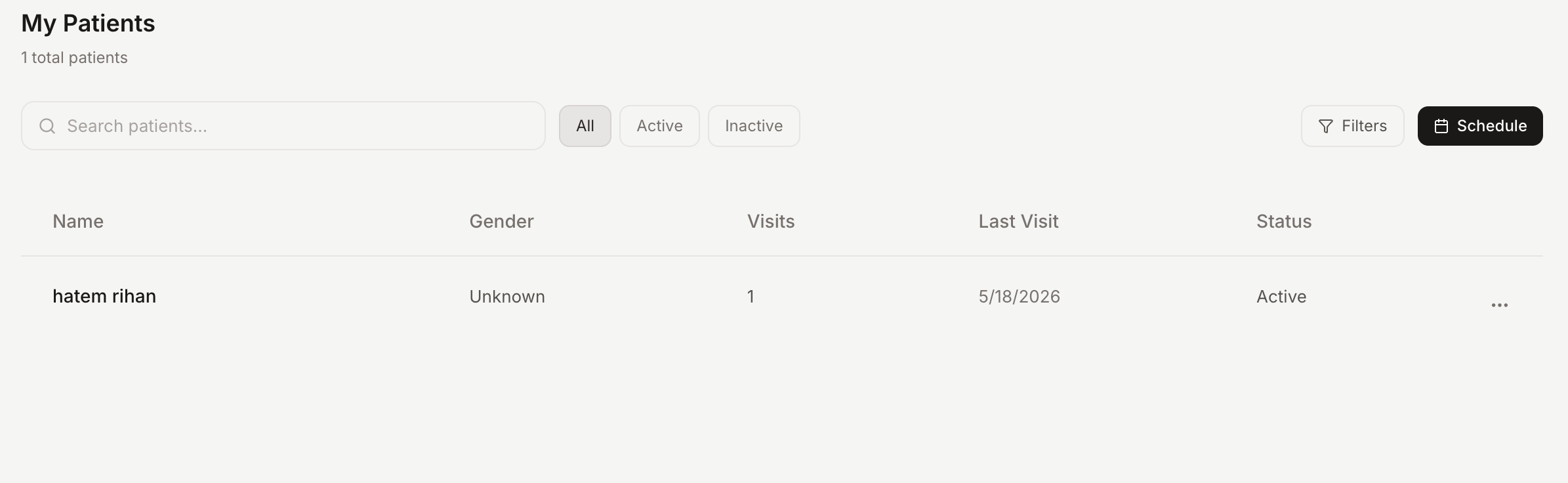
- ▪Comprehensive patient demographic and emergency contact records
- ▪Chronological timeline of past consultation notes and diagnoses
- ▪Pre-visit intake questionnaire responses filled by the patient on mobile
- ▪Encrypted document storage for external laboratory and radiology PDFs
- ▪Automated clinical history brief generated by AI before entry
Conduct Structured Consultations & Digital Charting
HealNote guides your clinical encounters through an efficient workflow — reviewing chief complaints, conducting examinations, applying ICD-10 diagnostic coding, and generating structured notes.
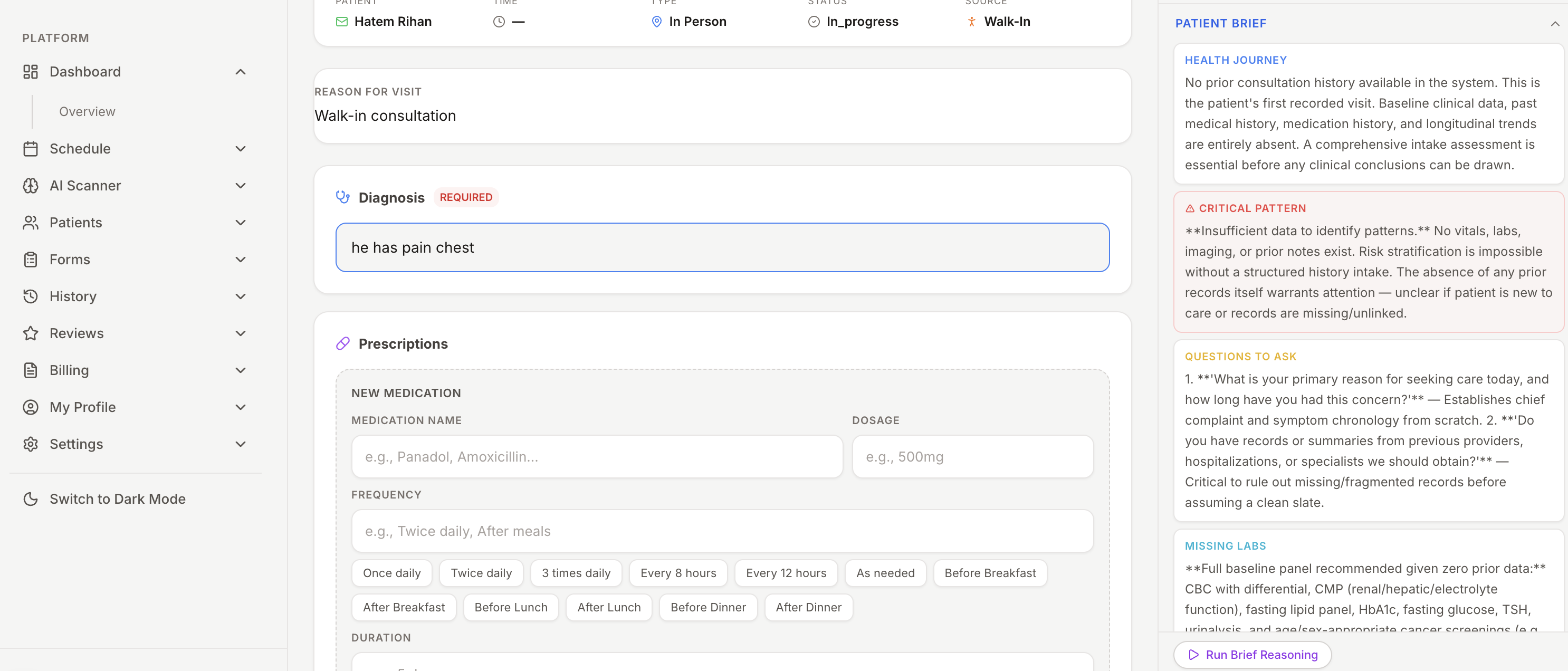
- ▪Live consultation interface with patient records in side-by-side split view
- ▪Structured medical fields for Subjective, Objective, Assessment & Plan
- ▪ICD-10 diagnostic search and drug-interaction warnings
- ▪Voice dictation integration for rapid hands-free charting
Issue Authenticated E-Prescriptions & Diagnostic Orders
Draft digital prescriptions with smart medication auto-complete and dosage guidance. Orders and lab requests are dispatched directly to the patient's phone and local pharmacies via WhatsApp.
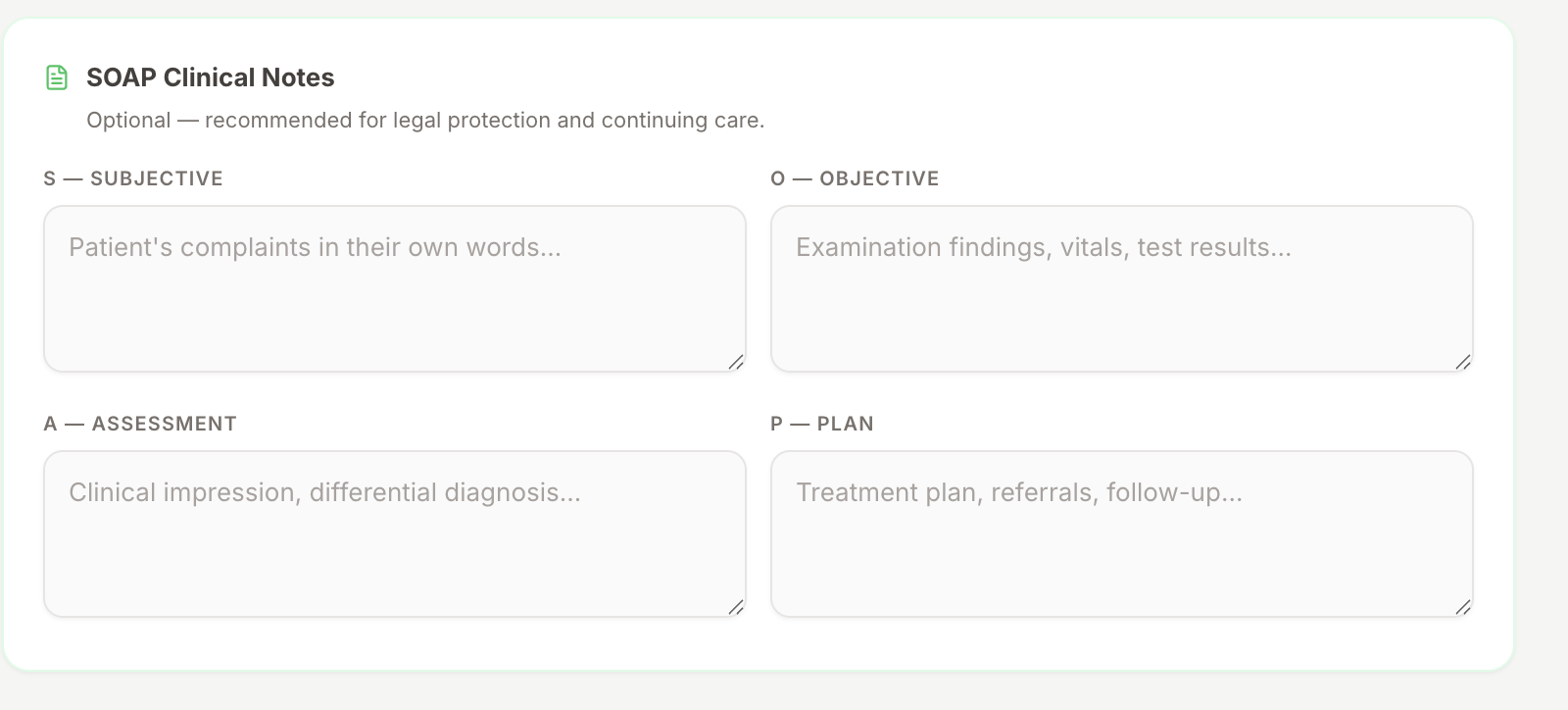
- ▪Searchable medication database with dosage and frequency auto-complete
- ▪Digital signature and authenticated QR verification on prescription slips
- ▪Dispatch prescriptions directly to patient mobile apps and WhatsApp
- ▪Attach diagnostic lab orders, imaging referrals, and printable doctor notes
Ambient Voice Scribing & Diagnostic Recommendations
HealNote's ambient AI listens naturally during your consults, transforming conversations into structured SOAP summaries while offering differential diagnoses and clinical question answering.
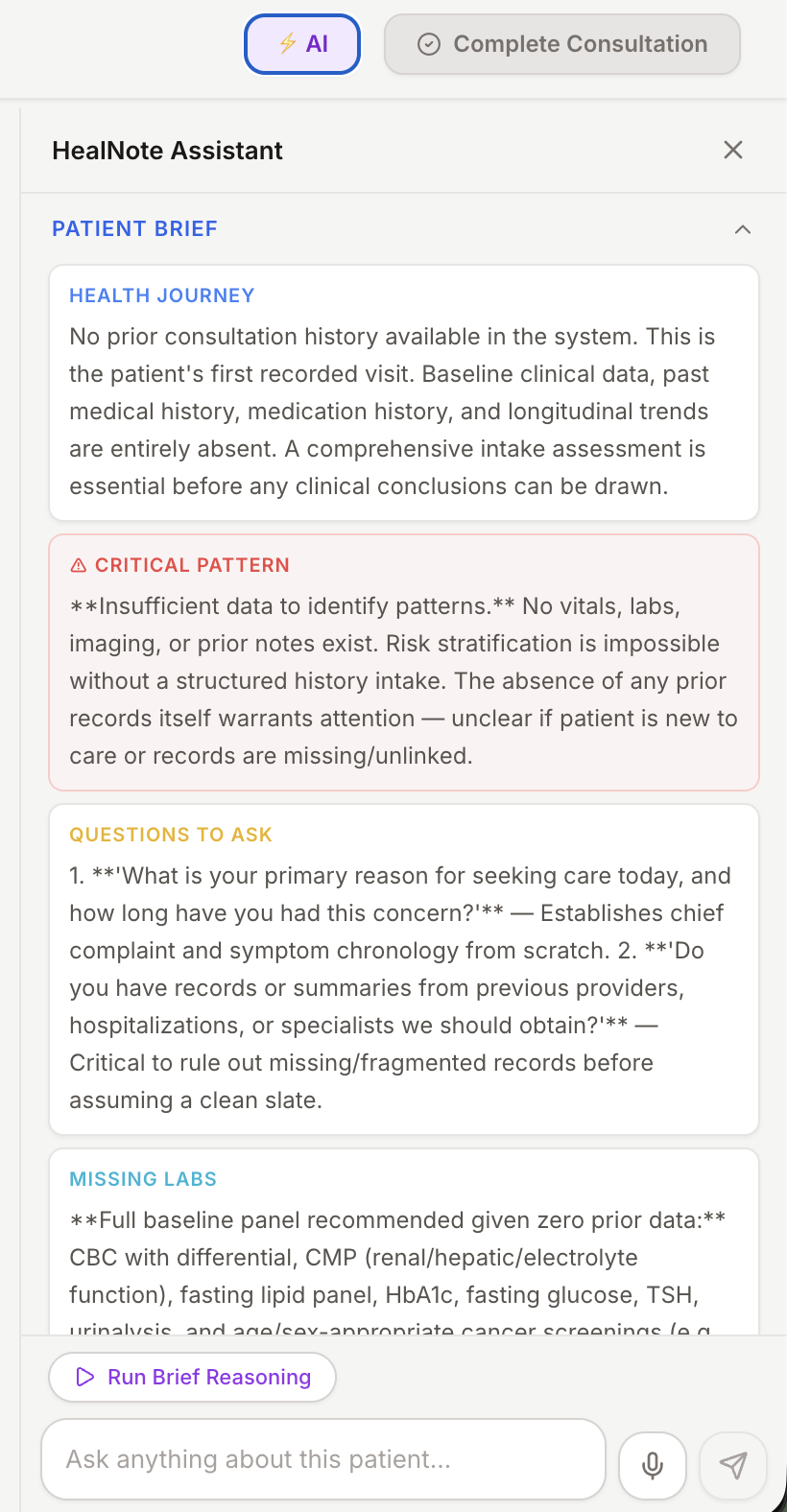
- ▪Ambient conversation capture creates structured documentation automatically
- ▪AI differential diagnosis ranking based on presenting symptoms and history
- ▪Clinical Q&A chat for real-time pharmacology and guideline queries
- ▪Strict physician review required before committing any note to the chart
Specialty Intake Questionnaires & Digital Consents
Design specialty-tailored intake questionnaires and procedural consent forms. Patients complete and sign them on their smartphones before entering your consultation room.
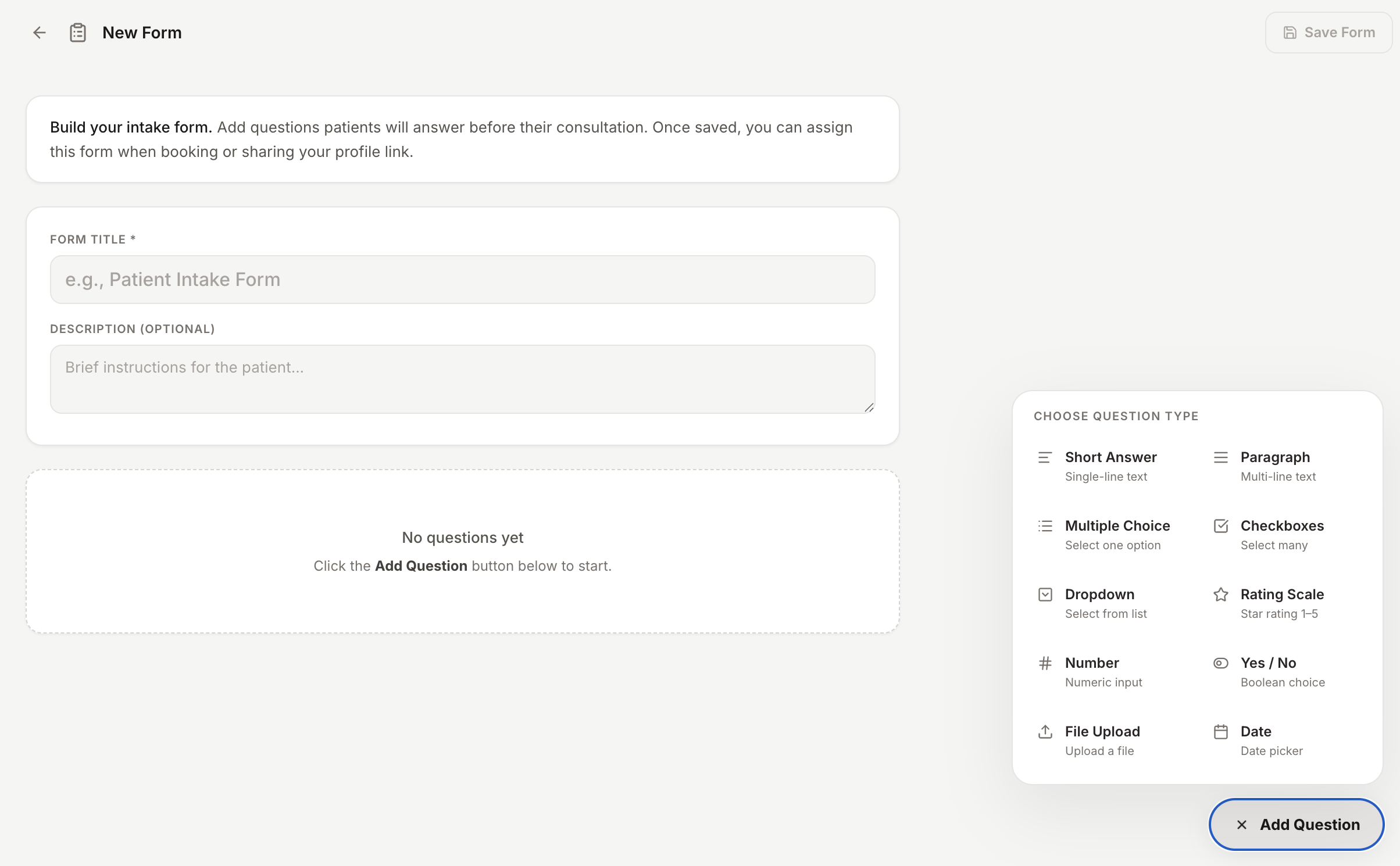
- ▪Custom medical questionnaire builder tailored to your specialty
- ▪Automated pre-visit dispatch via SMS and mobile app push notifications
- ▪Legally compliant digital signature capture for medical procedures
- ▪Responses sync directly into the patient's consultation chart
Build Your Practice Reputation with Verified Reviews
Following each consultation, patients can submit verified feedback. Authentic positive reviews elevate your profile ranking in the mobile app, attracting more self-referred patients.

- ▪Post-visit review requests sent automatically to confirmed patients
- ▪Public ratings and patient testimonials displayed on your profile
- ▪Higher ratings increase geographical visibility in the discovery directory
- ▪Badges of excellence for responsiveness and top clinical feedback
Monitor Practice Revenue, Volume & Performance
Track your solo practice metrics from the web console. Examine monthly patient volume, consultation durations, revenue collected, and export clean financial summaries.
- ▪Real-time analytics on patient volume, completed visits, and revenue
- ▪Average consultation duration and scheduling utilization tracking
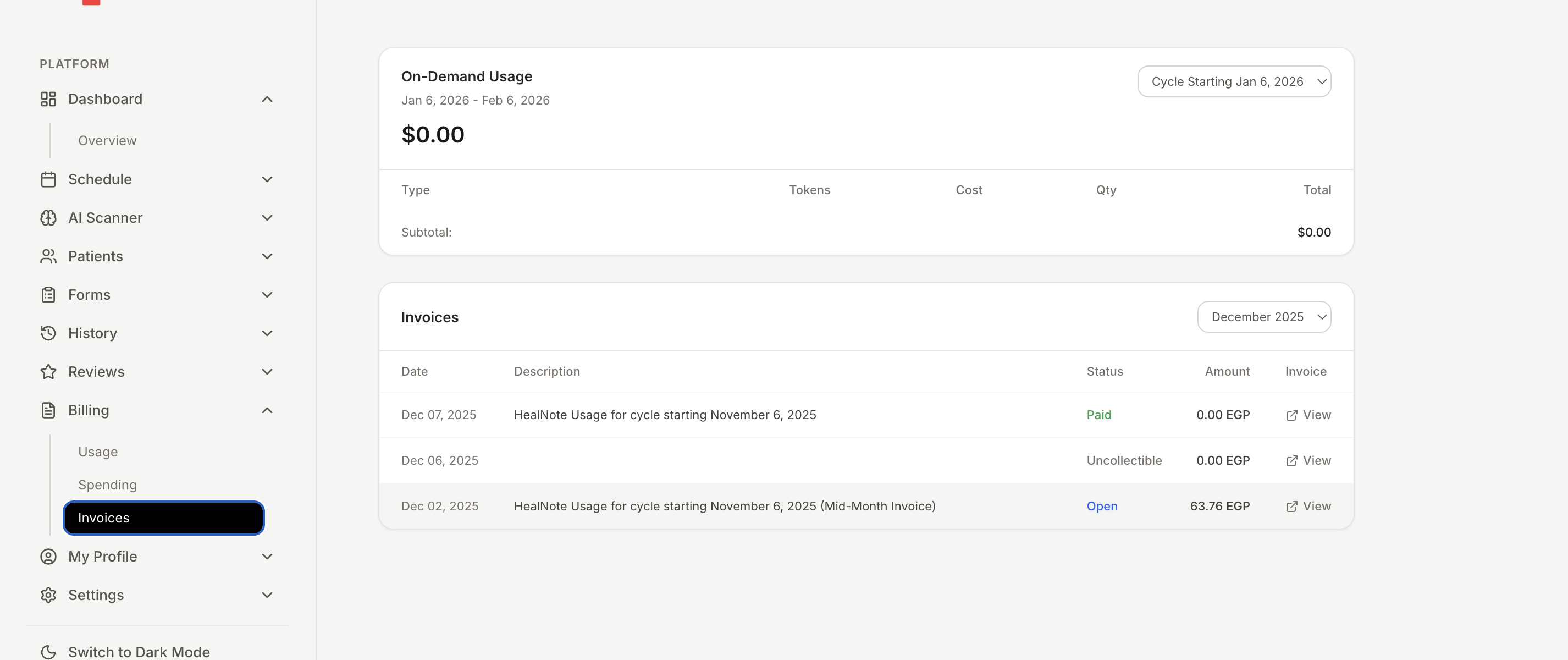
- ▪Transparent usage billing with zero unexpected subscription fees
- ▪One-click accounting exports for private practice bookkeeping